

Are you still tracking your team's working hours in a spreadsheet?
TimeTrack puts clocking in on every employee's phone: one tap to clock in, another for a break, and another to clock out, with the timer running in view and, if your company needs it, location checked against the workplace area. Each person sees their hours for the week, their hours balance, and their remaining vacation days, and requests absences right there. You see the team in real time, approve or reject requests, build the shift schedule, and export the time tracking record as CSV whenever you need it.
無料で始める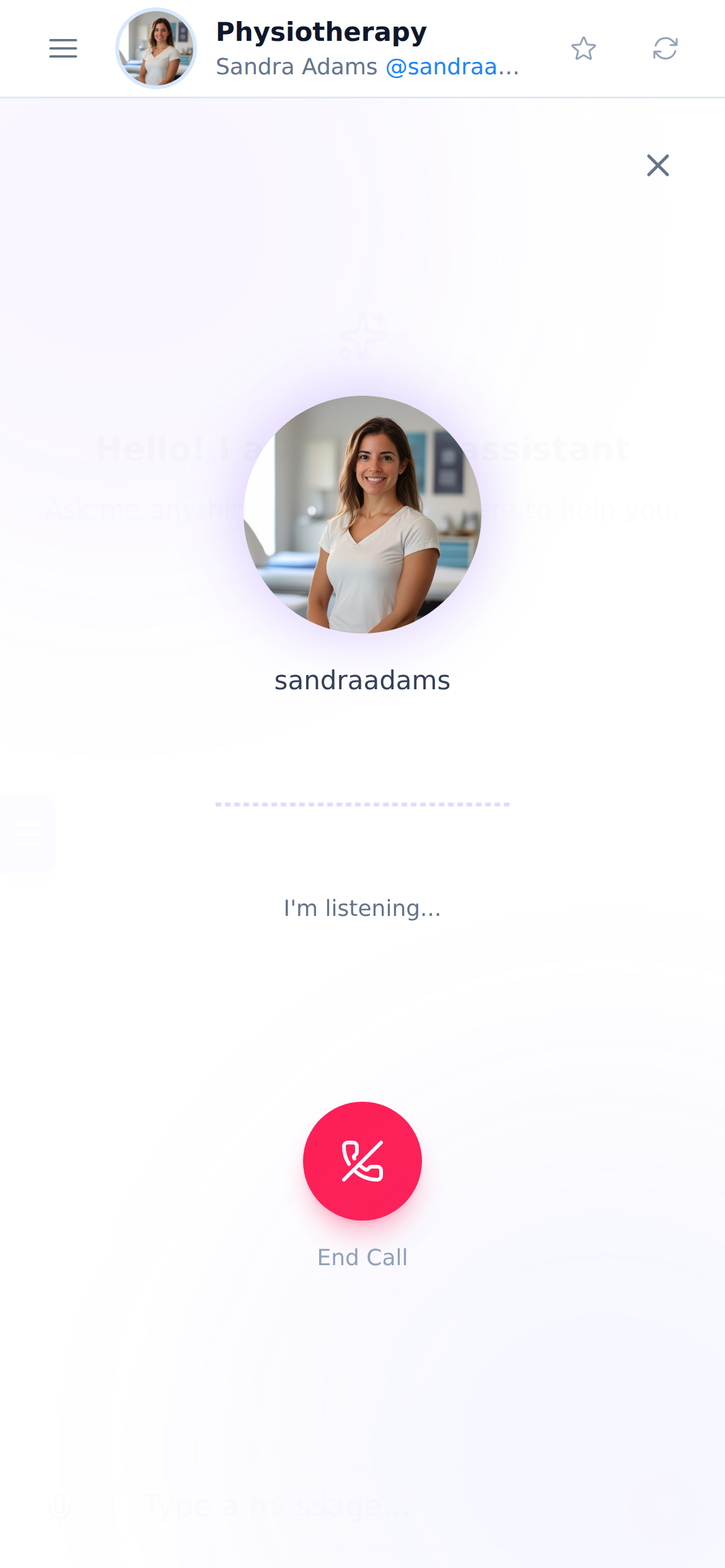
心の健康に必要なものがすべて揃っています
What TimeTrack handles every day for those who clock in and those who manage the team.

すぐに相談
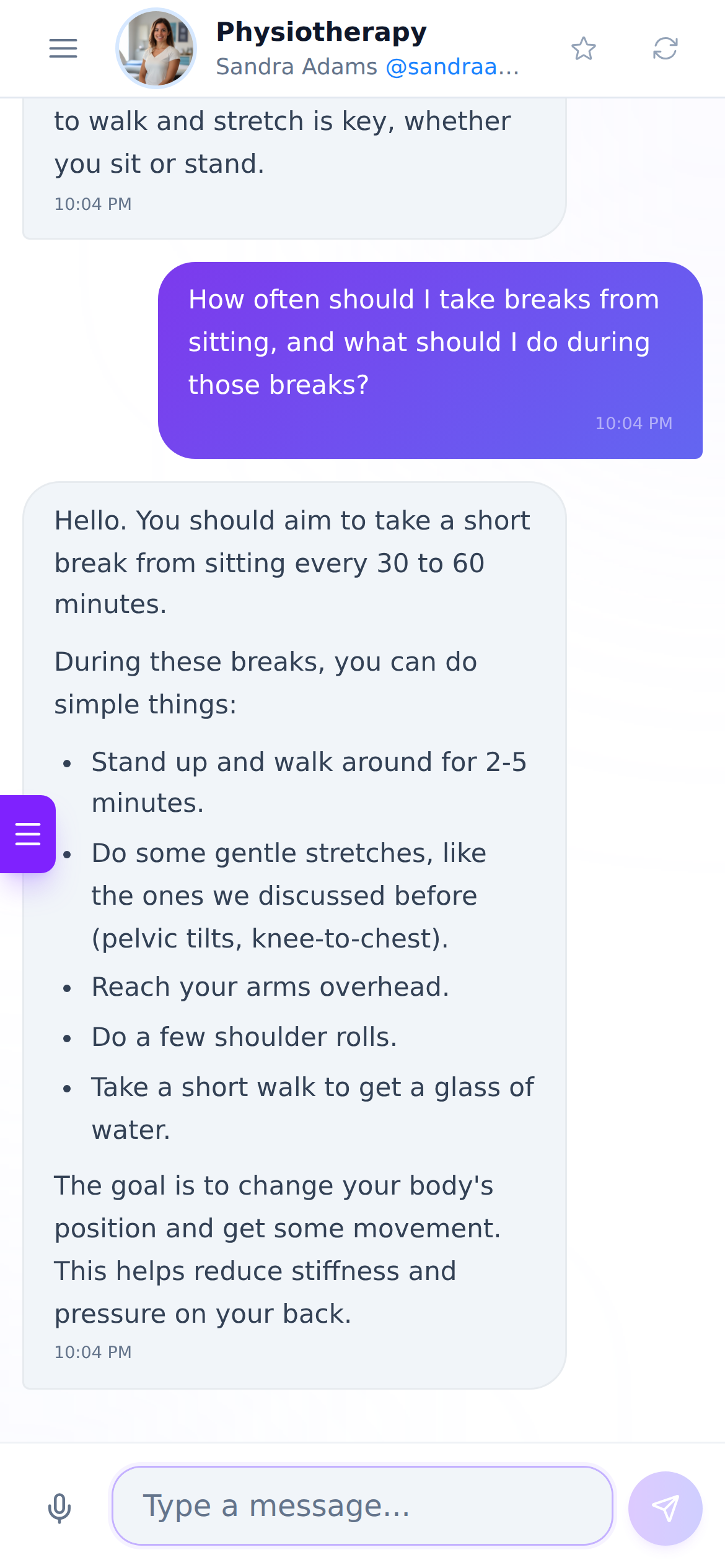
理学療法のAIアシスタントに数秒でアクセス。待ち時間も手間もありません。

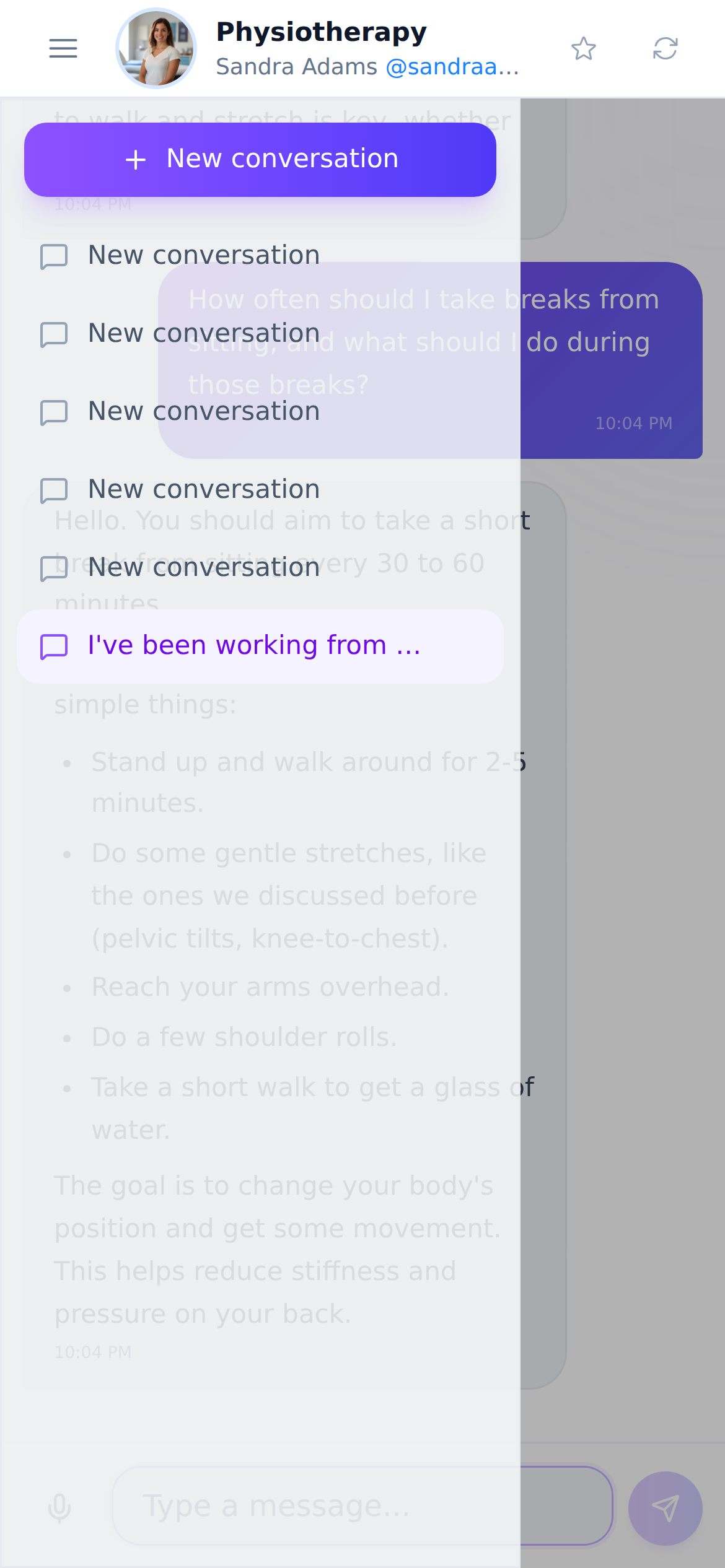
パーソナライズされたアドバイス
あなたのニーズや状態に合ったおすすめを受け取れます。

継続的なフォローアップ
フォローアップの仕組みで進捗を記録できます。
Chatの使い方はとてもシンプルです
Sign up
Create your account in seconds.
Set up and bring in your team
Set the weekly hours, working days, vacation days per year, and, if you want, the area from which people can clock in. Then sync your people from the account users or add them manually.
Clock in and manage
Everyone clocks in from their phone and checks their hours; you see the team live, approve absences, build shifts, and download the record whenever you need it.