

Do you have the topic in your head and in the document, but can't see the structure?
Linear text hides the hierarchy: you can't see what hangs from what, what's missing, or what's extra. aiMindMap starts from a sentence or your document and returns the complete tree, with the central idea in the middle and branches spread on both sides. From there you just type: Tab creates a child, Enter a sibling, and the map rearranges itself, without overlaps and without the node you're typing moving from its place.
免費開始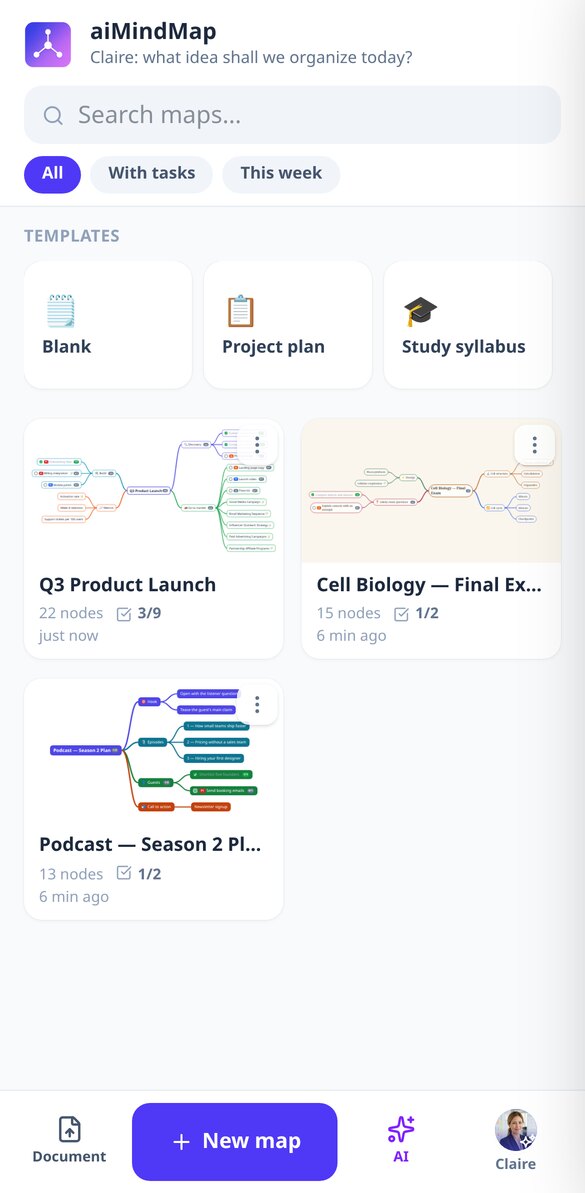

深入了解每項功能
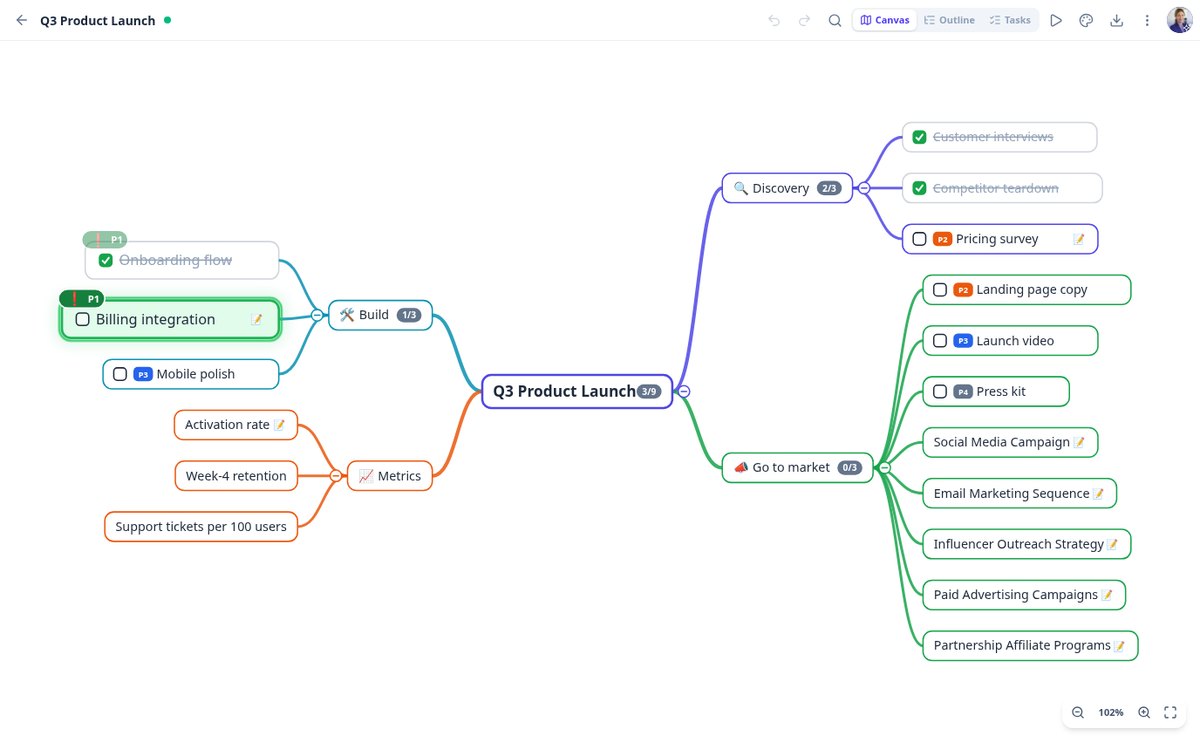
心智圖任務清單與核取方塊:在 aiMindMap 勾選完成項目
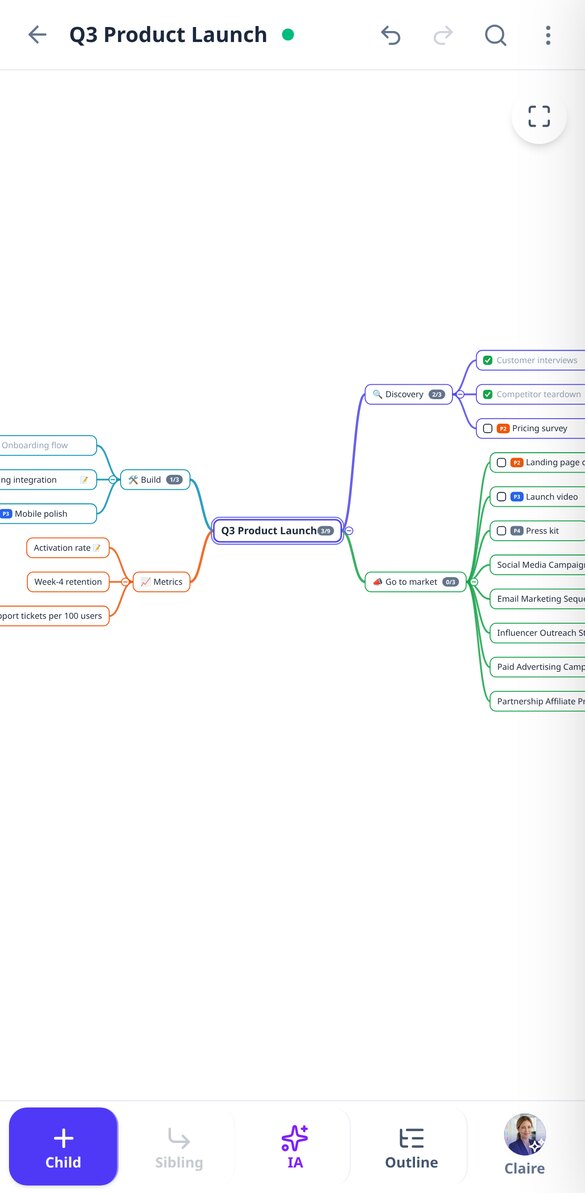
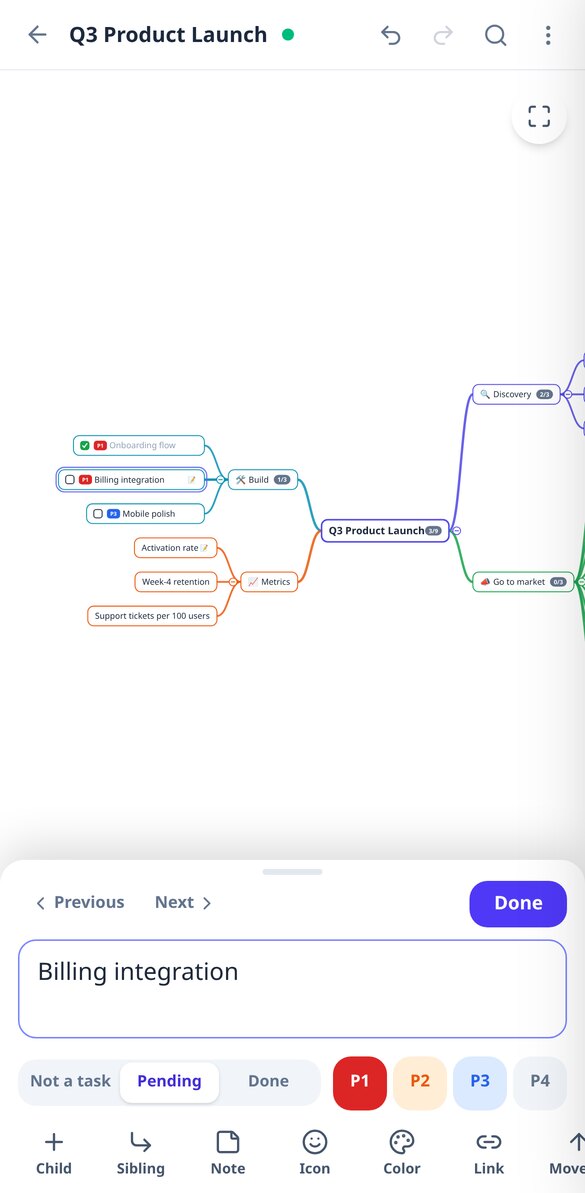
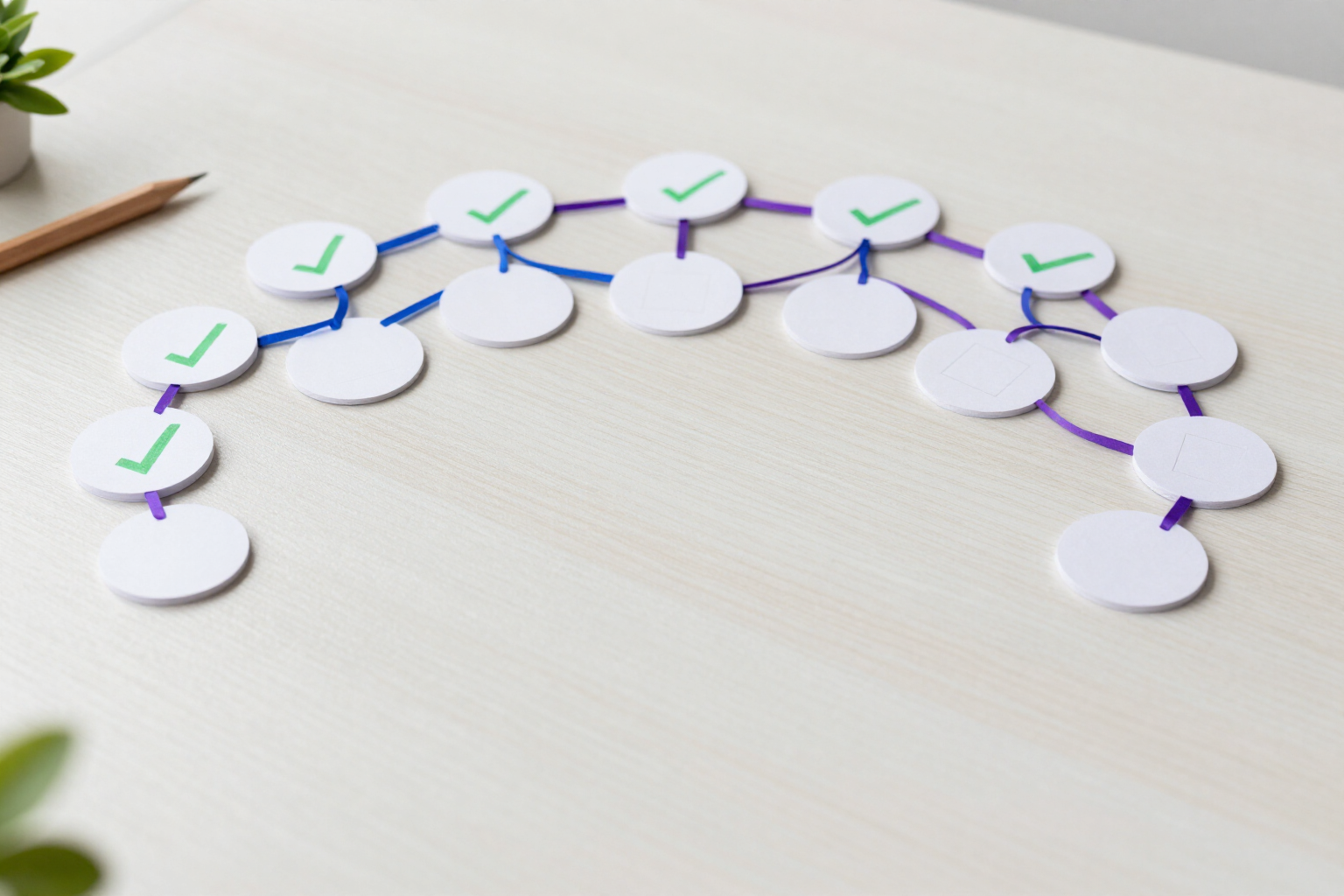
把心智圖中的任何節點變成附核取方塊的任務:一鍵切換待辦或已完成,顯示各分支進度,提供待辦檢視,並可匯出含 [ ] 與 [x] 的 Markdown。
查看功能
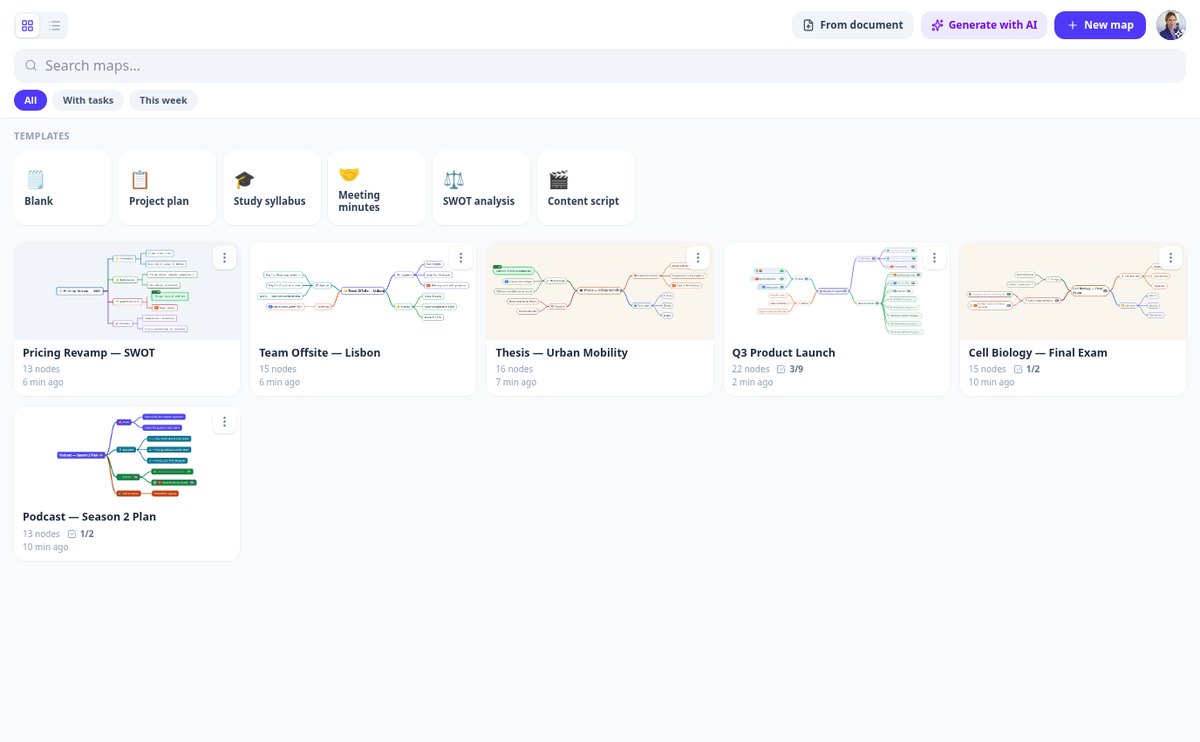
用 AI 依主題建立心智圖|aiMindMap
輸入主題,選擇 2 或 3 層與 4 到 8 條分支,AI 就會產生每個節點都附有備註的完整心智圖。你以建議的方式檢視,再決定接受或捨棄。
查看功能
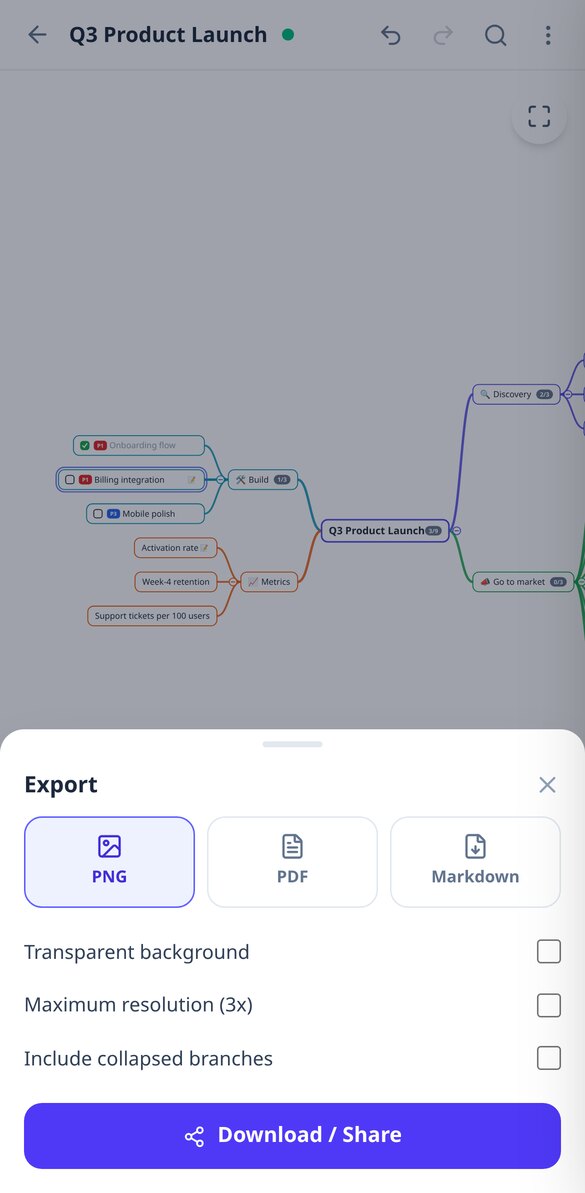
用 AI 把 PDF 轉成心智圖|aiMindMap
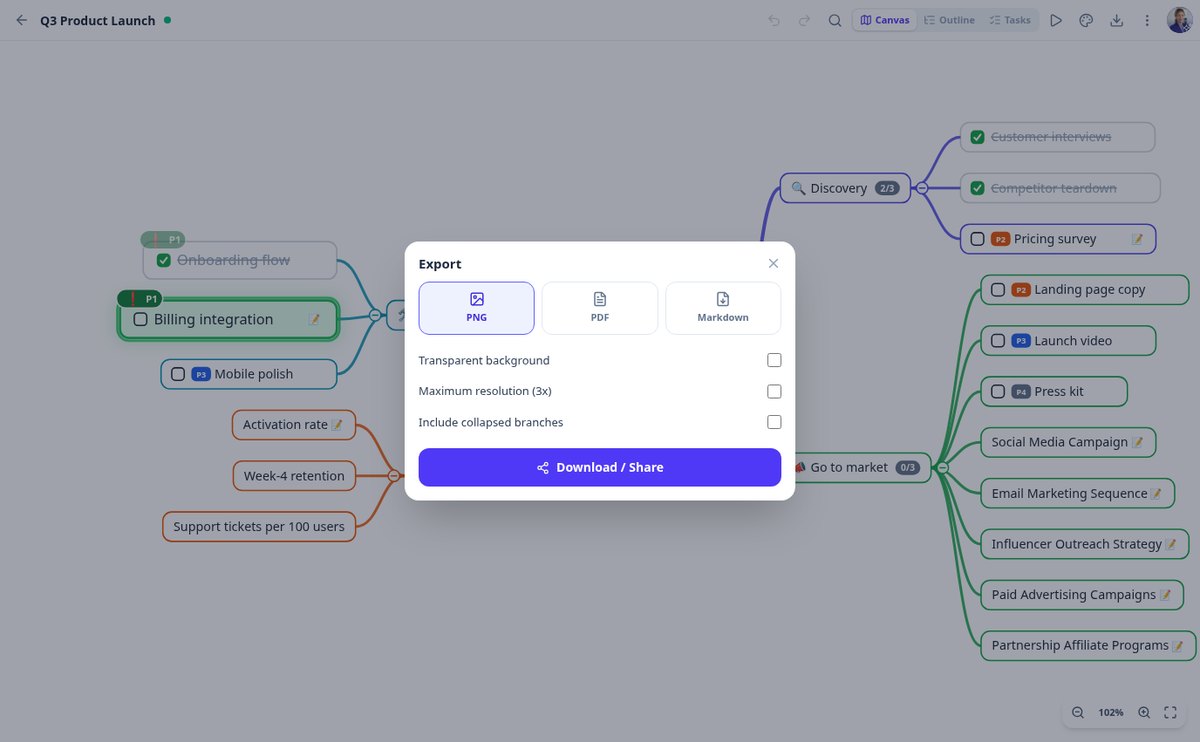
上傳 PDF、DOCX、TXT 或筆記照片,aiMindMap 的 AI 就會將它轉換為分支清楚的心智圖。支援以視覺辨識讀取掃描檔,提供三種取向(大綱、任務計畫或摘要),並可匯出為 PNG、PDF 與 Markdown。
查看功能
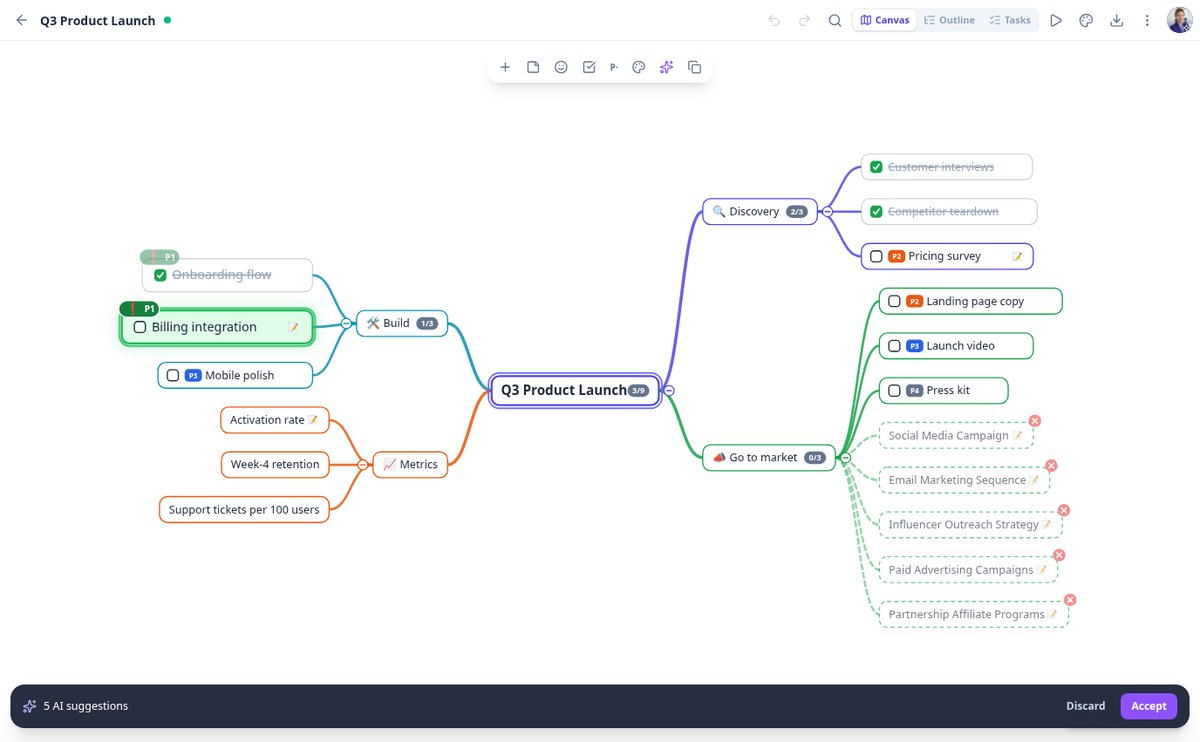
用 AI 擴充心智圖的分支|aiMindMap
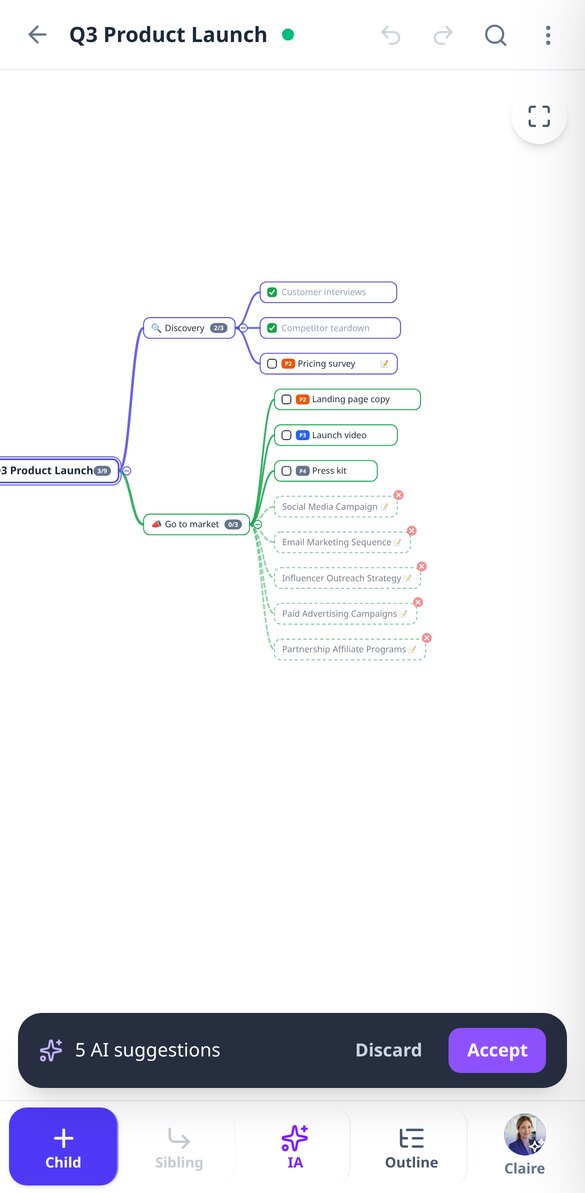
選取一個節點,AI 就會提出 3、5 或 8 個與該分支一致的新子想法,且不會重複它已有的子節點。它們會以虛線建議的形式出現:由你接受或捨棄。
查看功能
心智圖與縮排大綱同步呈現|aiMindMap
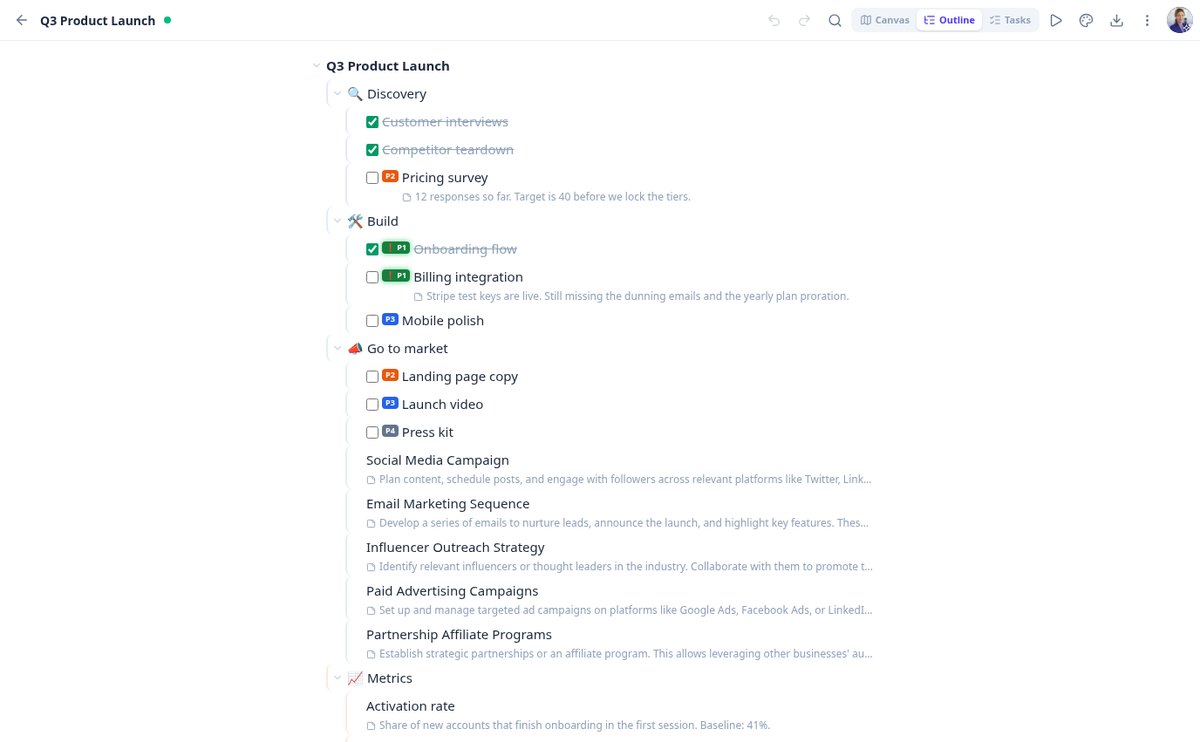
將心智圖切換為可編輯的縮排大綱,再回到畫布而不遺失任何內容:用 Tab 與 Enter 輸入,用 Ctrl 加方向鍵重新排序,任務、優先順序與備註皆可見。
查看功能
免投影片簡報心智圖|aiMindMap
以全螢幕逐分支展示心智圖:自動鏡頭、淡化其餘部分、以備註作為講稿、進度列,並可用方向鍵、空白鍵或滑動操作。按 Esc 即回到你原本所在的編輯器。
查看功能aiMindMap 的與眾不同之處
It's not a blank canvas with loose shapes: it's a tree with a single root, automatic placement, and AI as a starting point.

心智圖來自你的主題或文件
描述主題並選擇深度與分支數量,或上傳 PDF、DOCX、TXT 或筆記的照片並選擇重點方向:概念架構、行動計畫或執行摘要。AI 還能以新想法展開任何分支、改寫節點使其更簡短或更清楚,並提出重新整理心智圖、合併重複項目的建議。一切都會以虛線節點預覽,由你接受或捨棄:沒有你的許可,任何內容都不會進入你的心智圖。
你負責書寫,心智圖自動整理
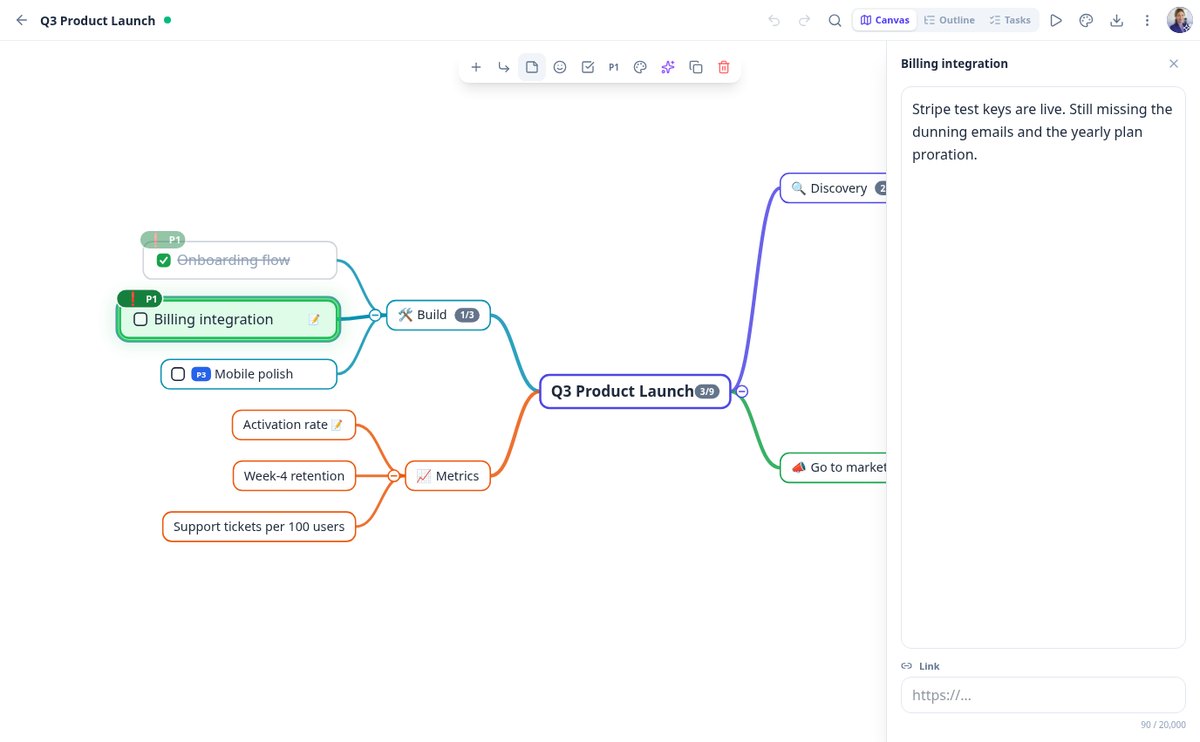
你永遠不需要手動擺放節點。自動版面會將分支平均分配在左右兩側且不重疊,並在其餘部分重新排列時,讓你正在編輯的節點固定在畫面上。拖曳分支即可掛到另一個父節點,收合你不看的部分——並顯示被隱藏的數量——最多可復原一百步,而且不必擔心儲存:你輸入時就會自動儲存。

同一張心智圖,可以是大綱、螢幕或檔案
切換到大綱模式,像縮排清單一樣編輯,或以全螢幕逐個分支地簡報心智圖。每個節點都可附上長備註、連結、表情符號、顏色、任務狀態與 P1-P4 優先順序,並在每個分支累計進度。當你想帶出去時:高解析度 PNG、PDF,或可貼到 Notion 或 Obsidian 的 Markdown。
從想法到心智圖,只要三個步驟
Type the topic or upload the document
Create a blank map, start from a template (project, syllabus, minutes, SWOT, script) or let AI generate it from your topic or your PDF.
Edit and expand
Tab to go down a level, Enter to stay on the same, drag to reorganize, and ask AI to expand the branch that falls short.
Present it or export it
Review the map in presentation mode or download it as PNG, PDF, or Markdown to share it with whoever needs to read it.
常見問題


別再寫清單,開始看見結構
Create your free account and turn your first topic or your first PDF into a mind map today.