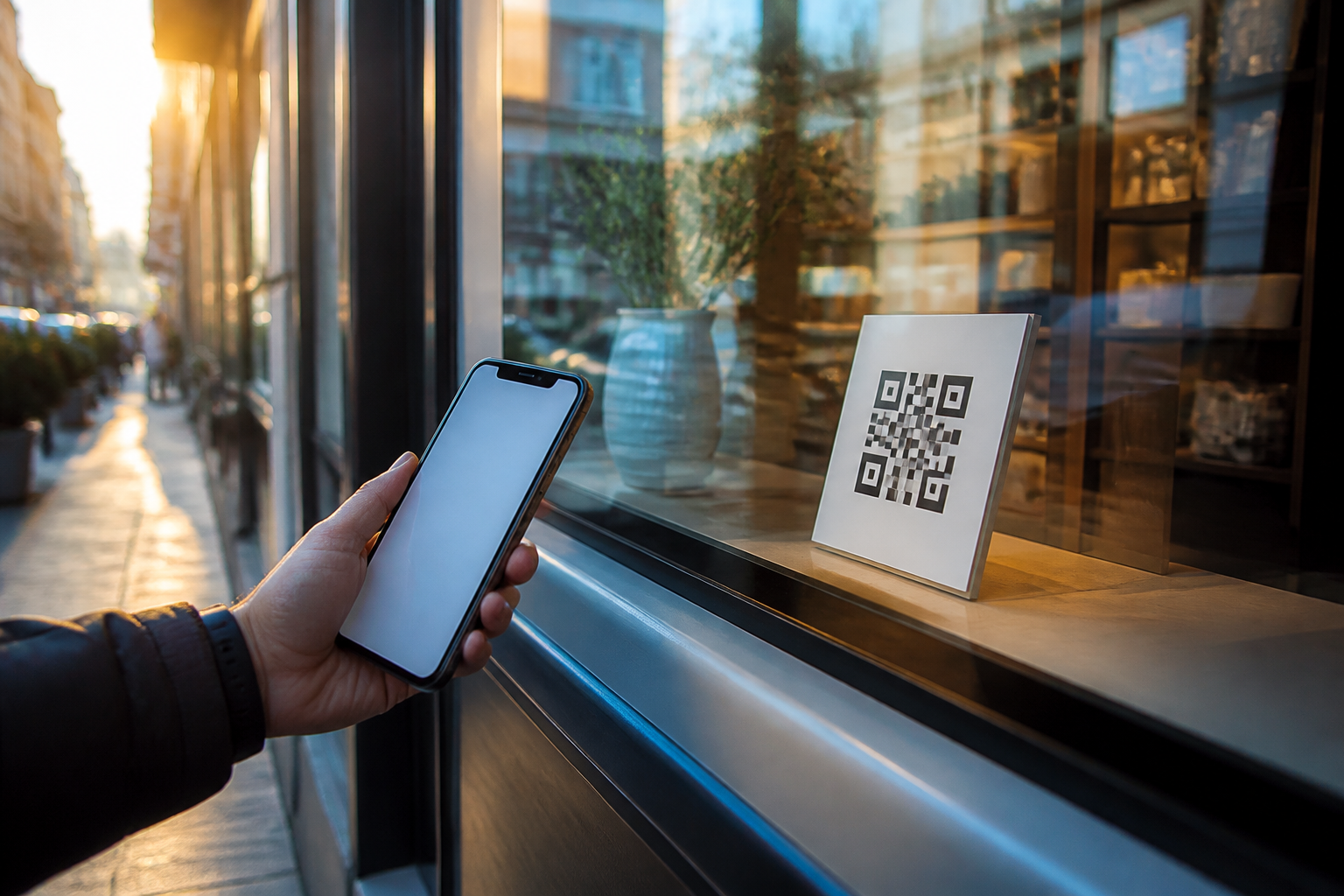
aiLinks · The poster stays; you change the destination
 AI
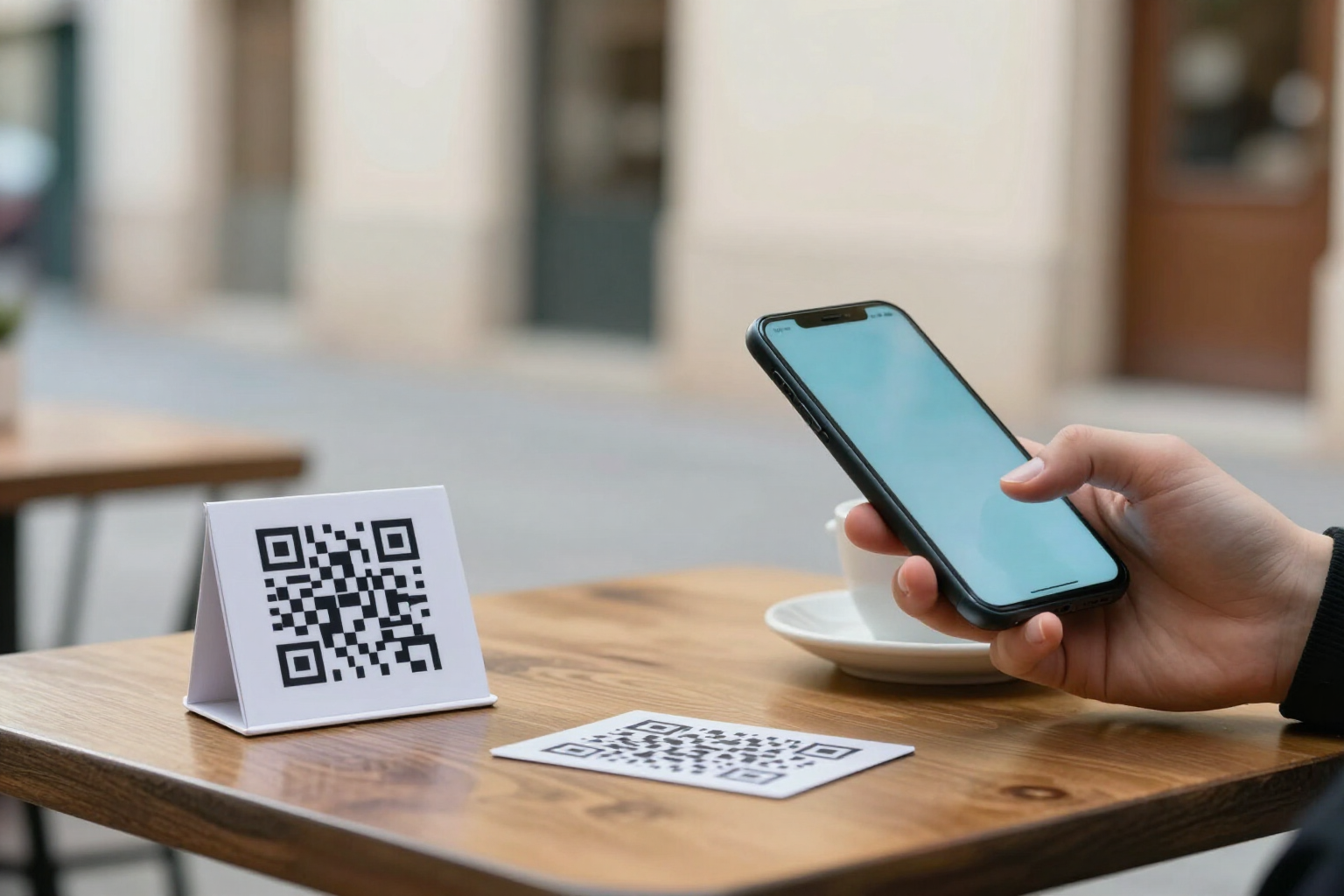
For the business that has a QR out in the street: in the shop window, on the table, on the van, or on a card. The code doesn't carry your number or your website inside; it carries a short link of yours. The day the on-call WhatsApp changes, or the menu, or the booking page, you change it from your phone and what's printed still works.
In the features that use AI, responses are generated by artificial intelligence and are not a substitute for professional advice.
Hoeveel affiches heb je weggegooid omdat de QR naar een plek leidde die niet meer bestaat?
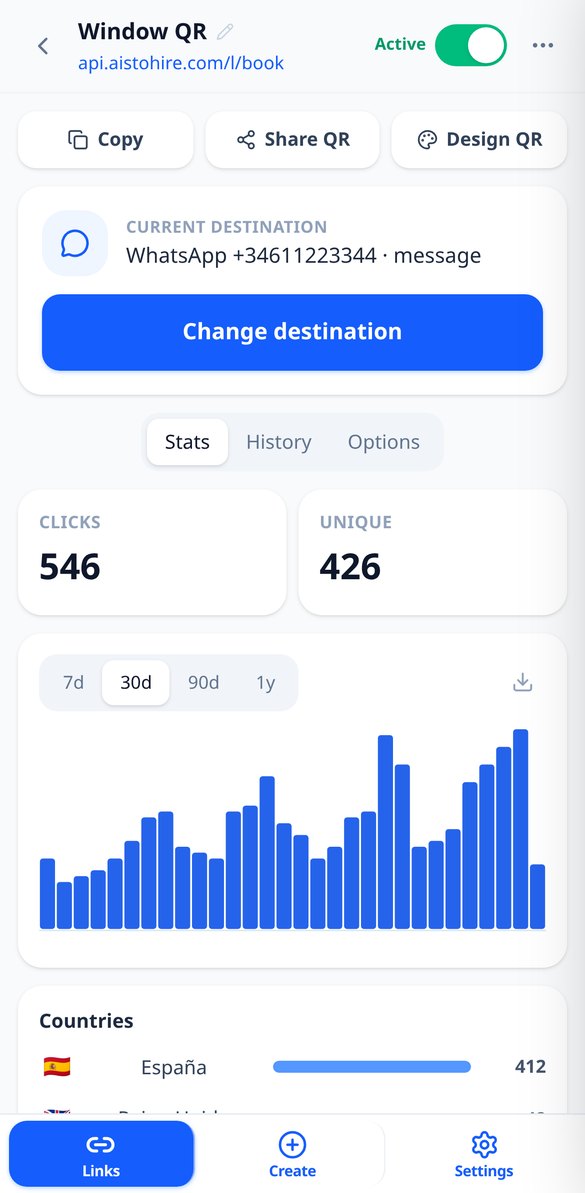
Een afgedrukte QR-code is onveranderlijk: als er je WhatsApp-nummer of het adres van je menukaart in zit, is de poster dood zodra die veranderen. aiLinks draait dat om: de code bevat een korte link die van jou is en nooit verandert, en de bestemming leeft in de app. Je opent de app, tikt op «Bestemming wijzigen», slaat op, en de volgende scan gaat al naar de nieuwe plek, zonder wachten, omdat de omleiding wordt aangeboden zonder in iemands browser te worden bewaard. Je kunt zelfs het type bestemming veranderen: de QR die WhatsApp opende, opent nu je website zonder één poster aan te raken. En omdat alle scans via aiLinks lopen, weet je meteen ook hoeveel het er waren, uit welk land en met welke telefoon.
Start free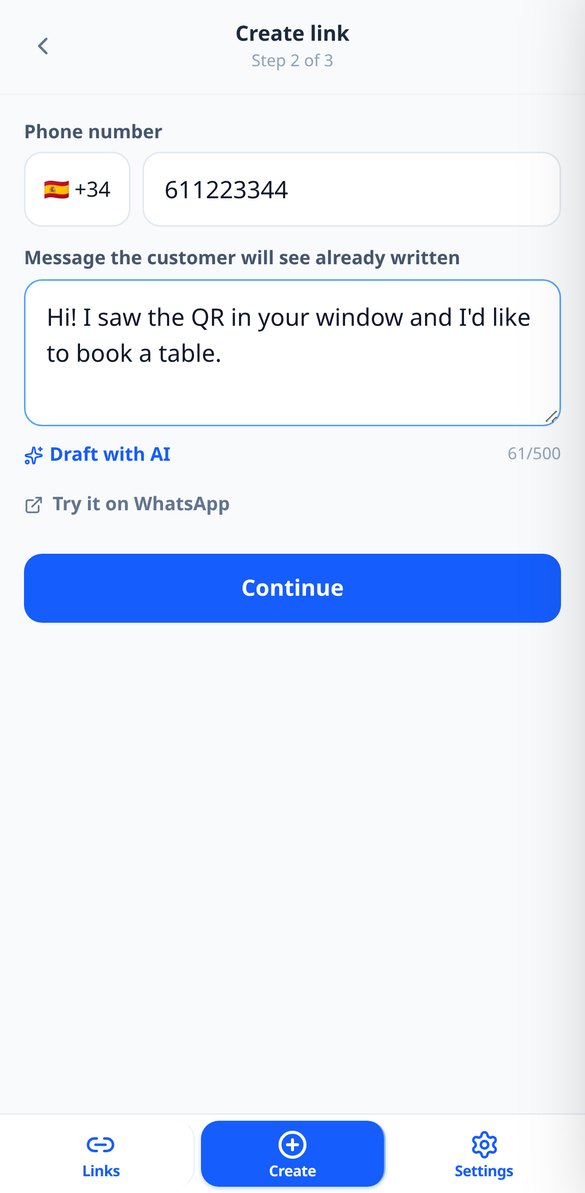
Discover every feature in detail
Change the destination of a QR without reprinting it | aiLinks
Change where a printed QR code leads without reprinting it: nine interchangeable destination types, immediate effect on the next scan, and a history with the option to revert.
View feature
One QR with destination by iPhone, Android, language or country | aiLinks
Make the same link or QR go to the App Store on iPhone, Google Play on Android, or another site based on language or country. Up to 10 ordered rules with fallback.
View feature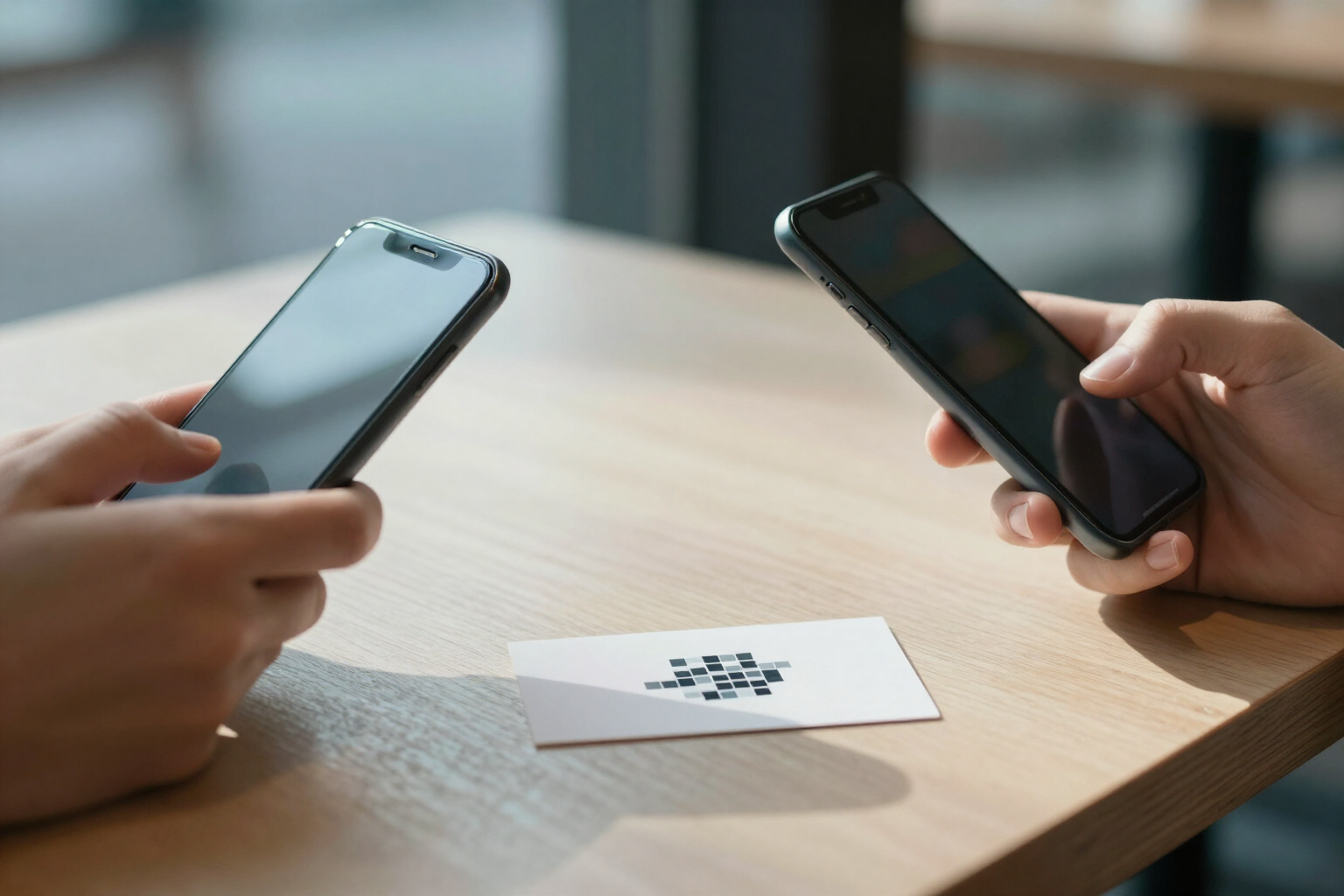
Editable vCard business card QR code | aiLinks
Create a QR code that opens your contact card with photo and buttons for call, WhatsApp, email and web, and downloads your vCard (.vcf) to the address book. Editable without reprinting.
View featureWhat a QR stuck on the wall really needs
Niets hiervan kost credits: links maken, QR's genereren, scans doorverwijzen en statistieken bekijken zijn eigen berekeningen. AI verschijnt alleen in twee optionele extra's, en alleen als jij erop drukt.
Change the destination in two taps, with history
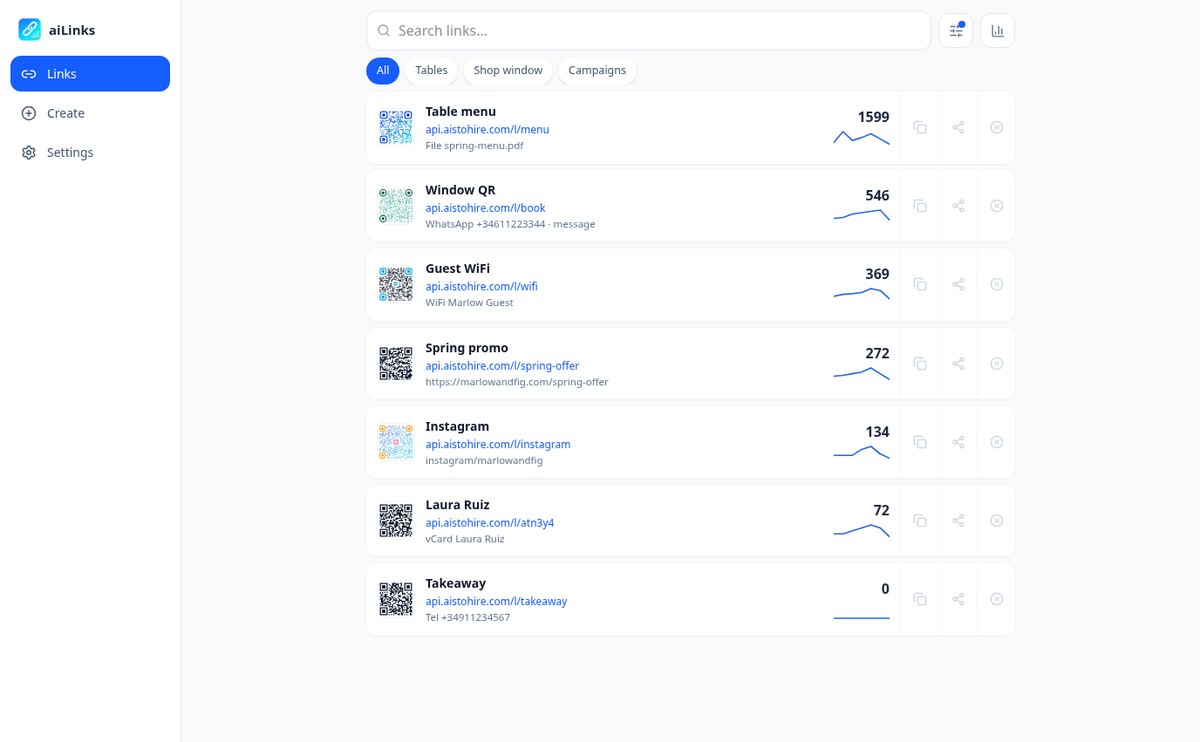
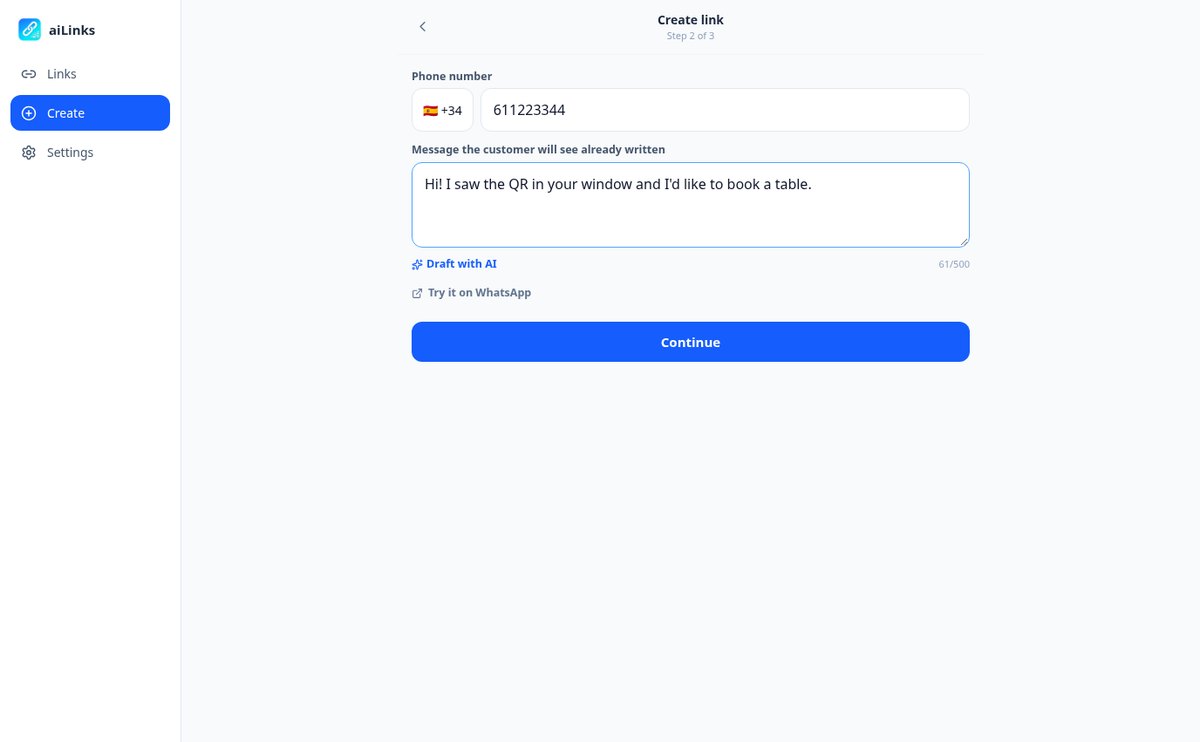
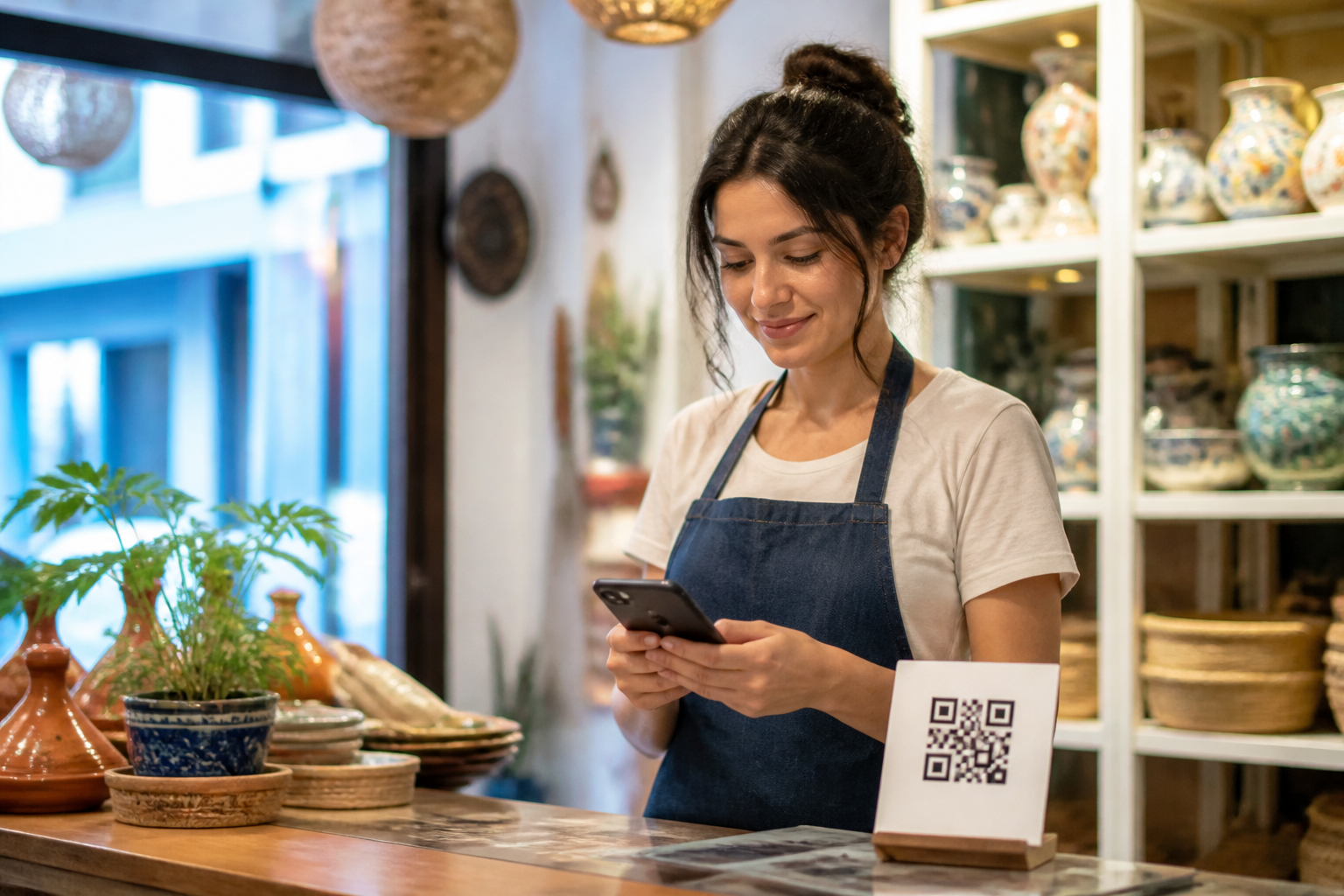
You open the link, tap "Change destination," and save: the printed QR now points somewhere else. Behind the same code you can put nine different things — website, WhatsApp with the message already written, phone, email, SMS, contact card, social network, WiFi password, or a PDF with the menu — and switch from one to another whenever you want. Every change is dated and signed in the history, and you can go back with one tap.
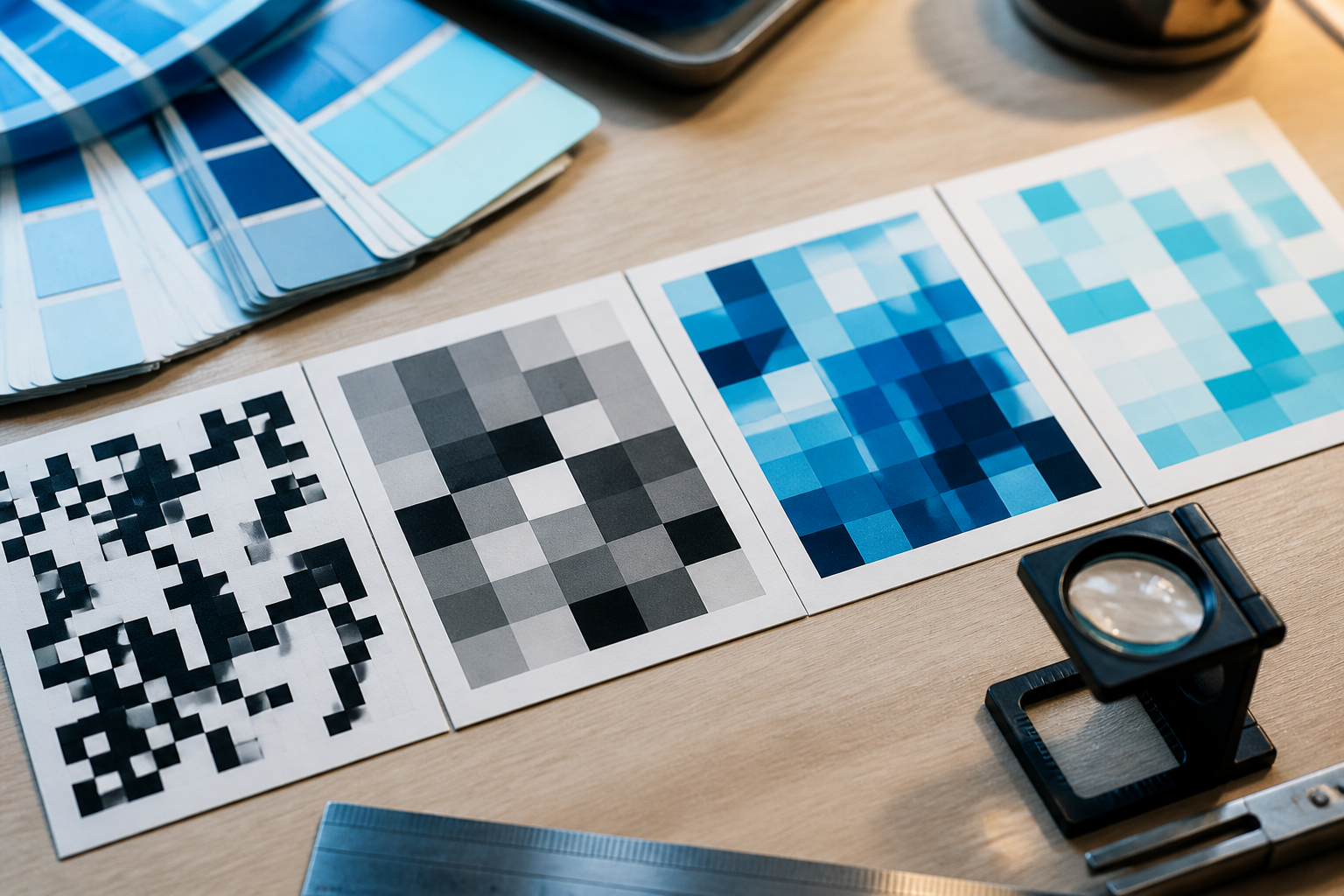
QR studio and download for print shop
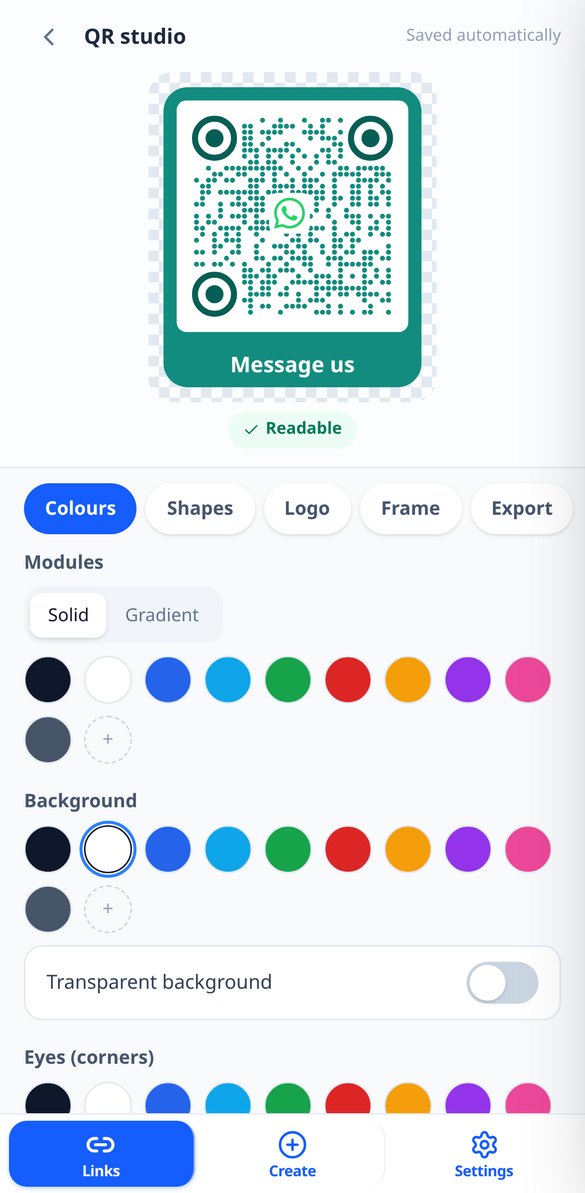
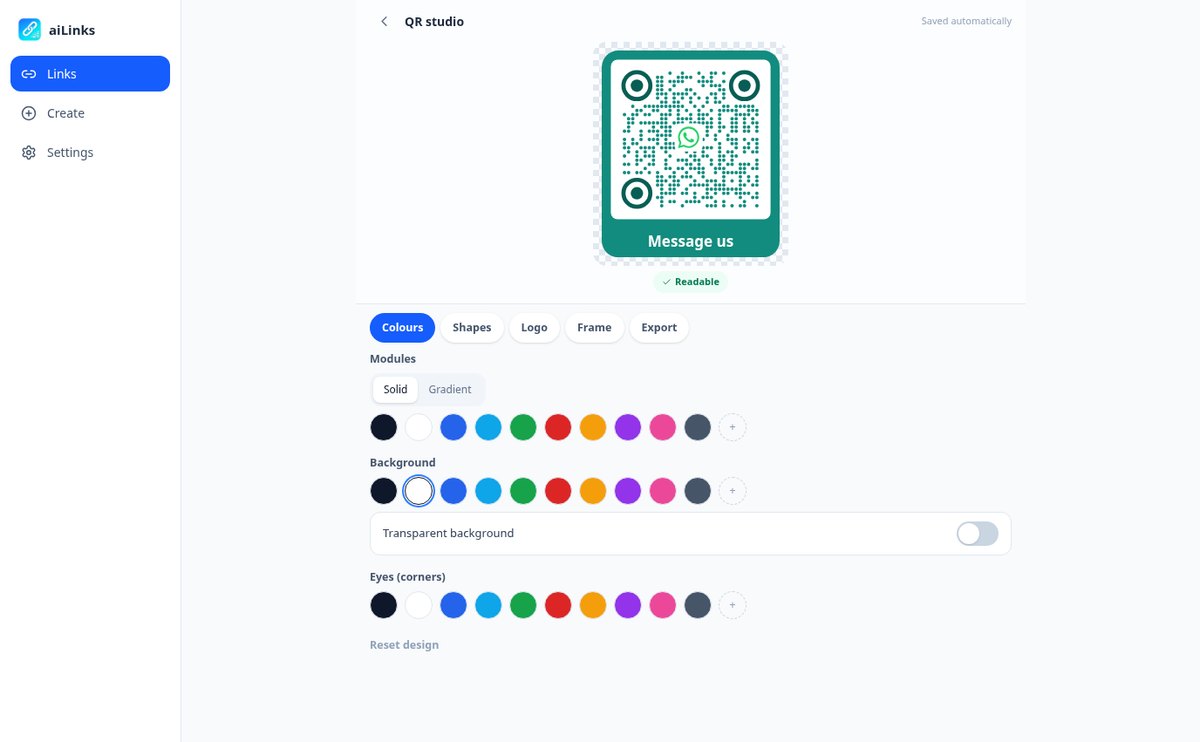
Solid colors or gradients, module and eye shapes, your logo in the center — or one of the included icons — and a frame with the text you want: "Scan me," "View menu," "Write to us." The preview updates instantly and warns you if the contrast is too low for a camera to read it. Download it as a PNG up to 4096 px for social media and screen, or as vector SVG, which is what the print shop will ask you for.

Know who scans, without installing anything
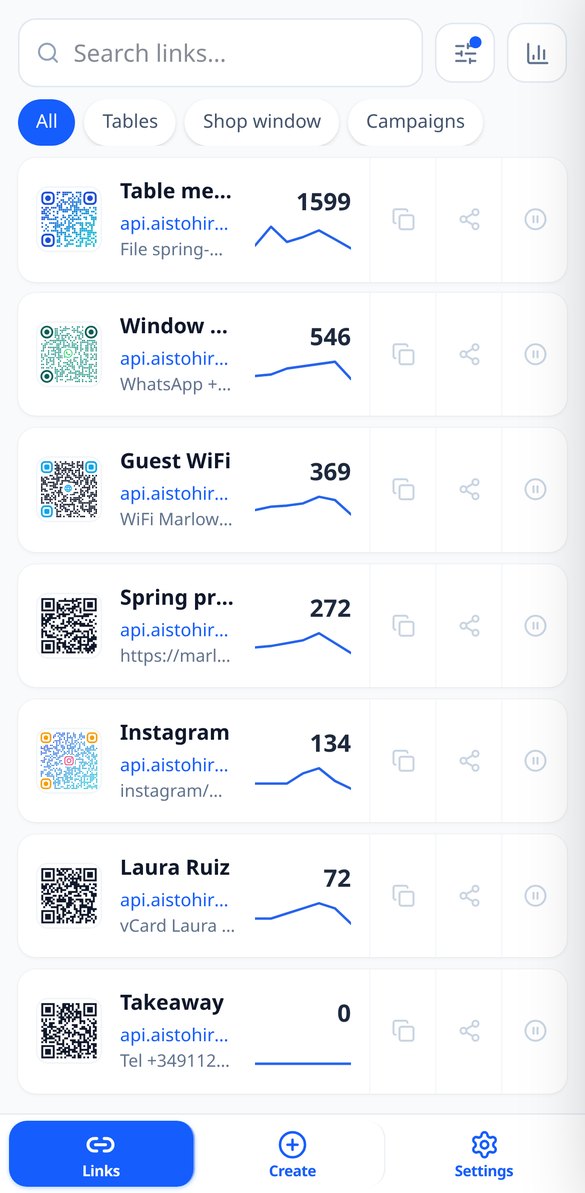
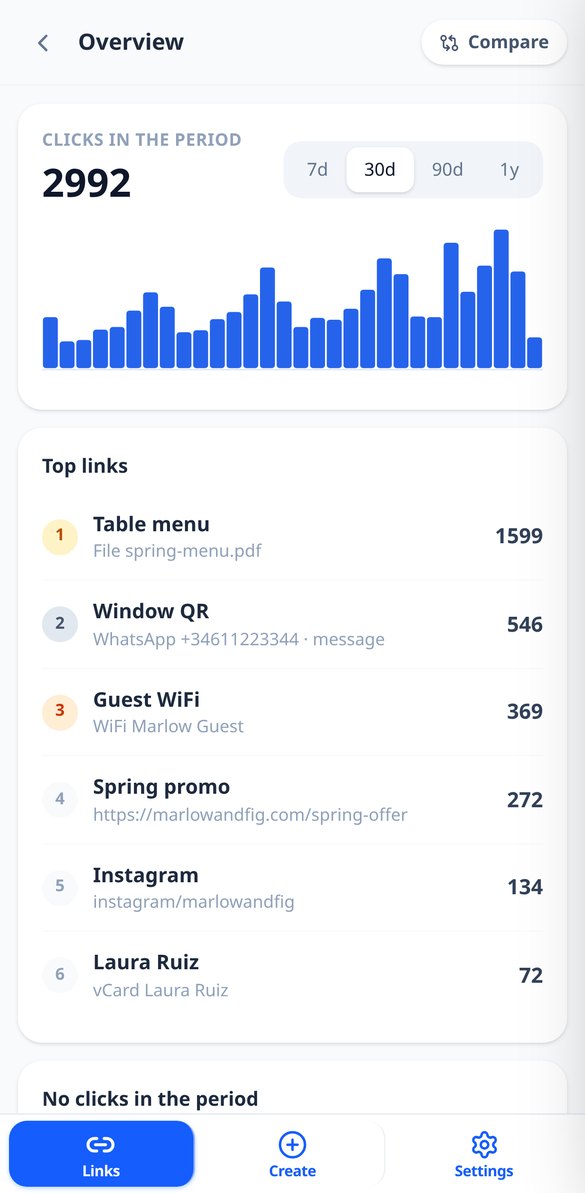
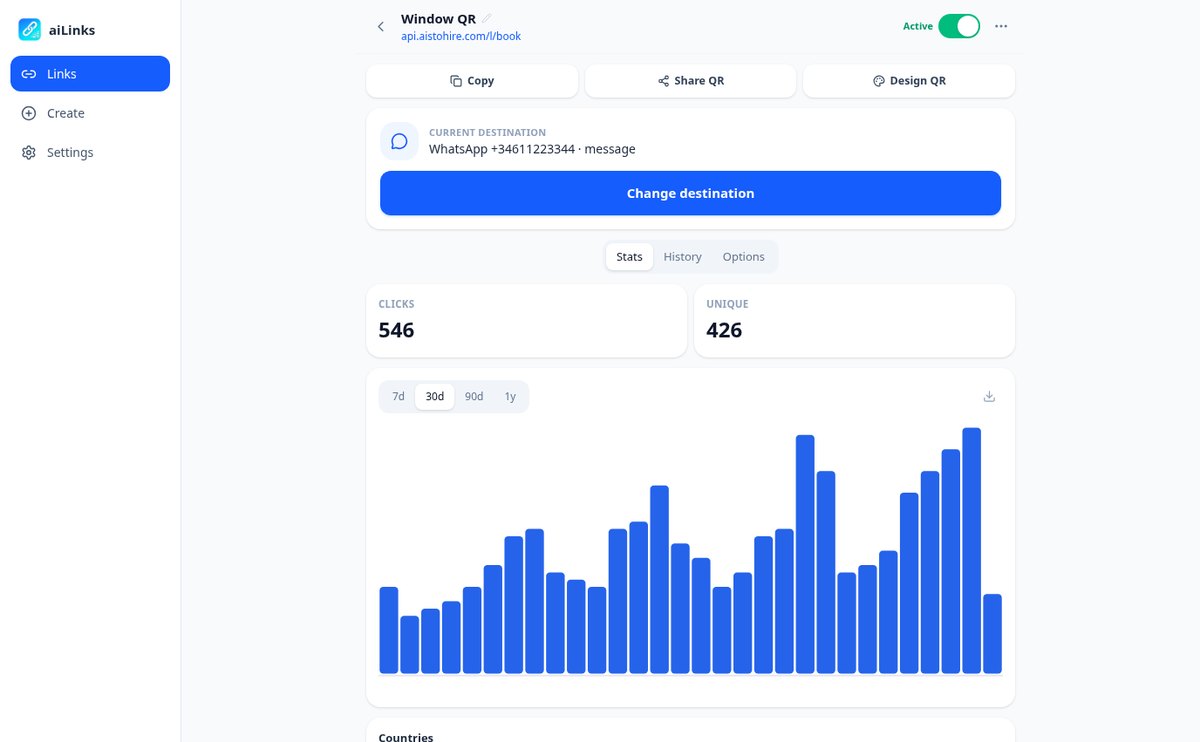
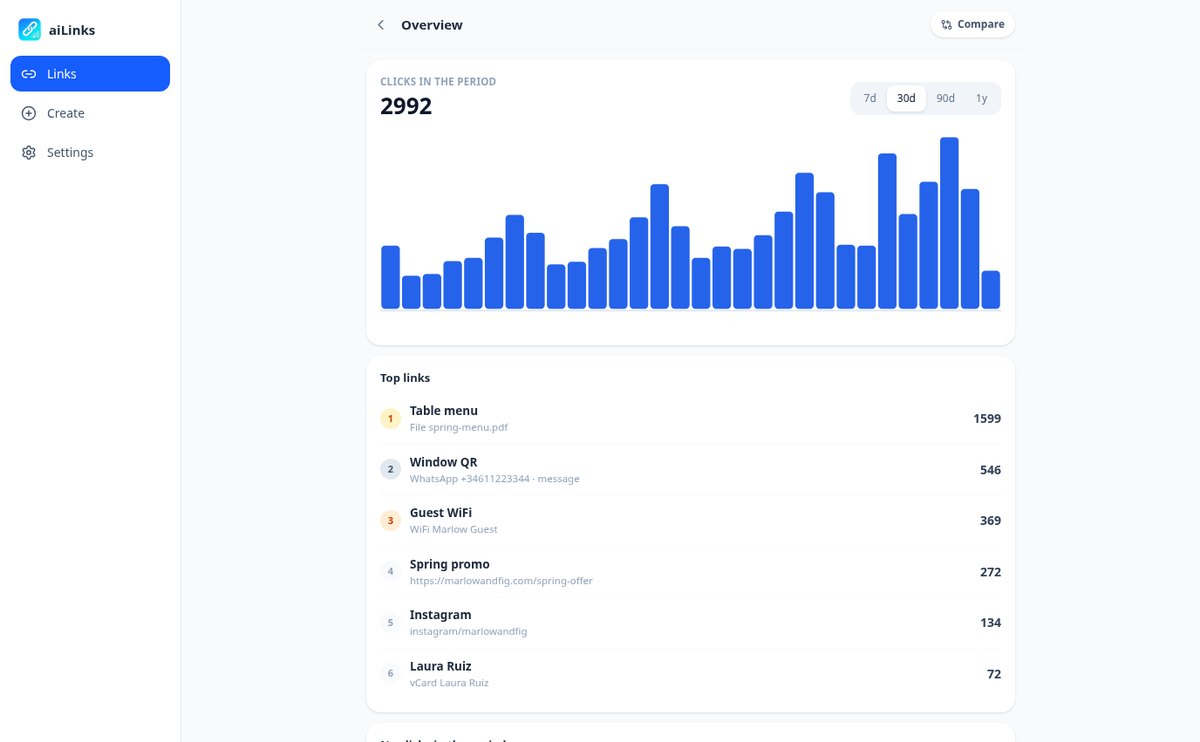
Total scans and unique visitors per day, week, or month, with the change versus the previous period; country and city, mobile or desktop, operating system, browser, and language; and where they come from, with camera scans grouped as "Direct / QR." Compare up to four links on the same chart to see which poster works, detect those that have gone weeks without a single scan, and download the detail as CSV.
From link to poster in three steps
Kies wat je wilt koppelen
Website, WhatsApp met vooraf ingevuld bericht, telefoon, e-mail, sms, contactkaart, sociaal netwerk, wifi of een pdf die je zelf uploadt. Als je wilt, bevat de link je eigen woord in plaats van een willekeurige code.
Ontwerp de QR en laat hem drukken
Pas kleuren, vormen, logo en kader aan terwijl je het resultaat live ziet, en download het als SVG voor de drukker of als PNG voor sociale netwerken. De korte link kopieer je met één tik om hem ook te gebruiken in je bio, in een e-mail of in een advertentie.
Wijzig het wanneer nodig
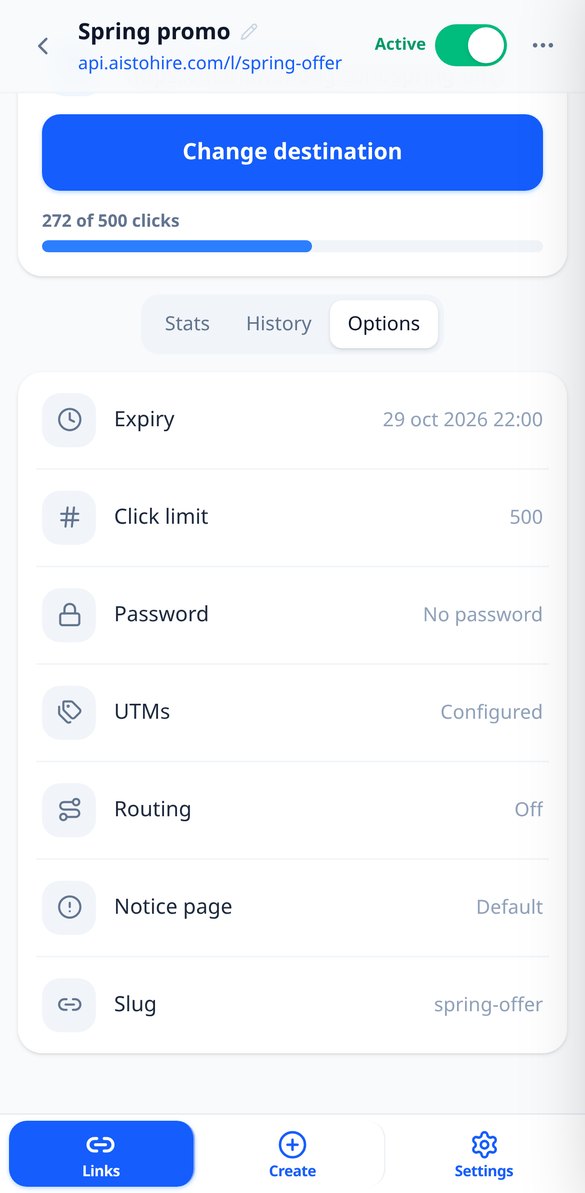
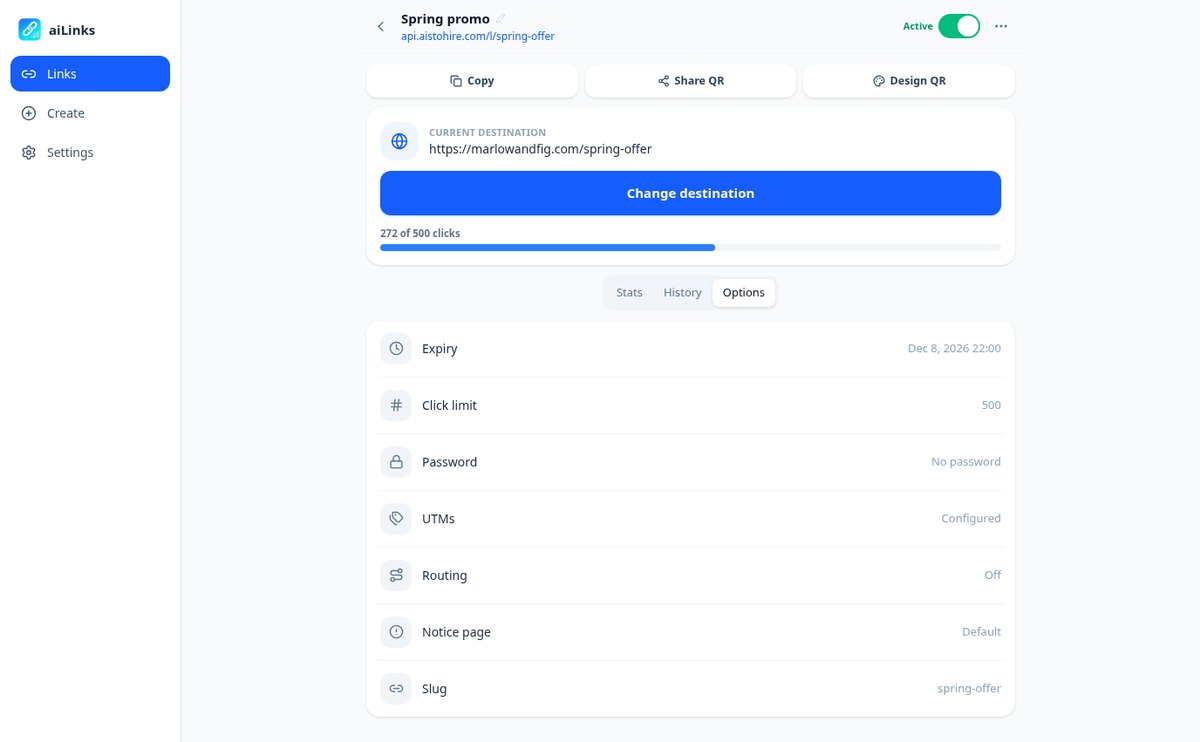
Ander wachtnummer, nieuwe menukaart, actie afgelopen: je gaat vanaf je gsm naar binnen en wijzigt de bestemming. En als het nodig is, geef je hem een vervaldatum, scanlimiet, wachtwoord of een eigen meldingspagina voor wanneer de actie afloopt.
Frequently Asked Questions
Latest blog articles
Guides and news to get more out of it
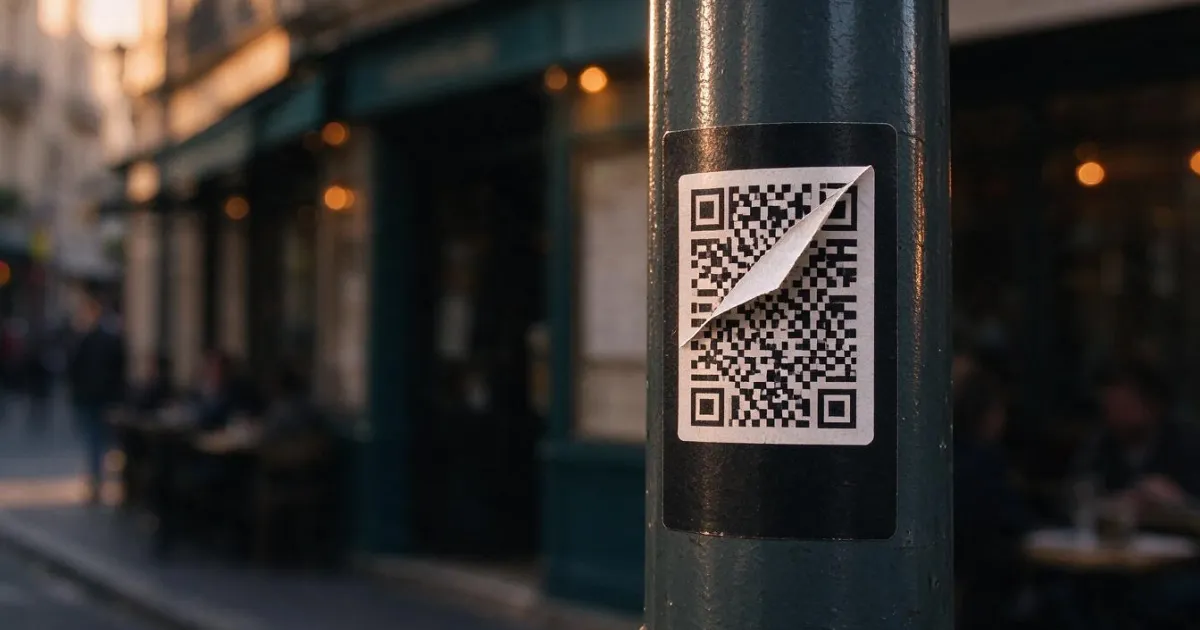
Quishing: how they change your business's QR code for a fake one (and how to avoid it)
Spain is the 2nd country in the world for quishing (17%, ESET H1 2026). How they cover your business's QR code with stickers and the protocol to protect it.
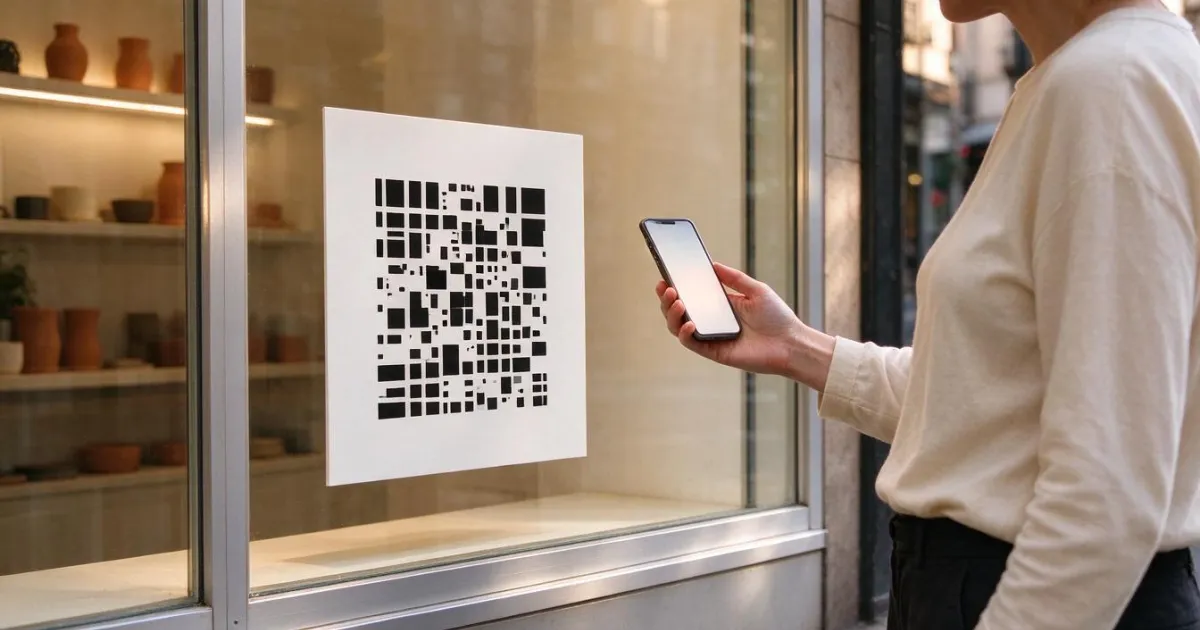
How to Change the Destination of an Already Printed QR Code (Without Reprinting Anything)
How to change the destination of an already printed QR code without reprinting: static vs dynamic QR, print sizes, quishing risks, and 2026 data.
Set up your first editable QR today
Maak gratis je account aan, genereer de link en download de QR in SVG om naar de drukker te brengen.