
AiNotes — AI notes that answer your questions · Ask your notes and they answer
 AI
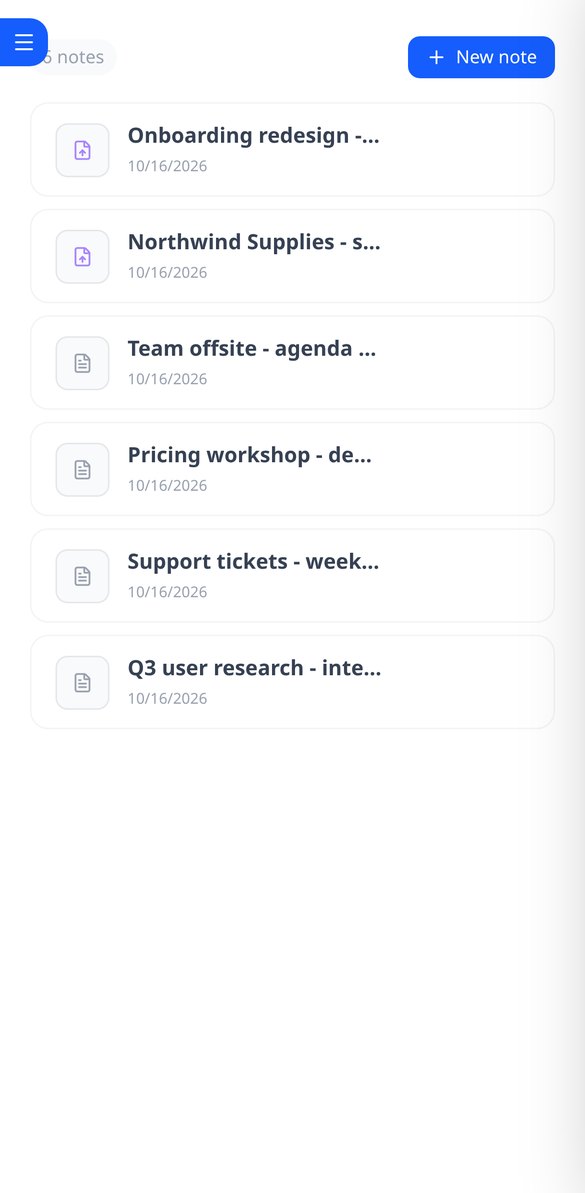
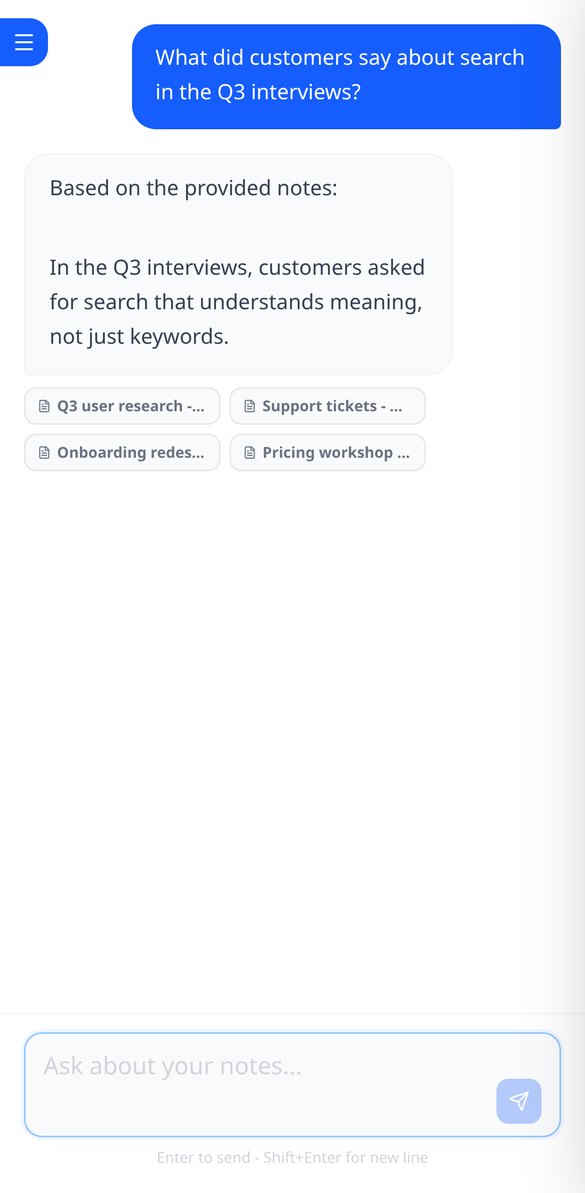
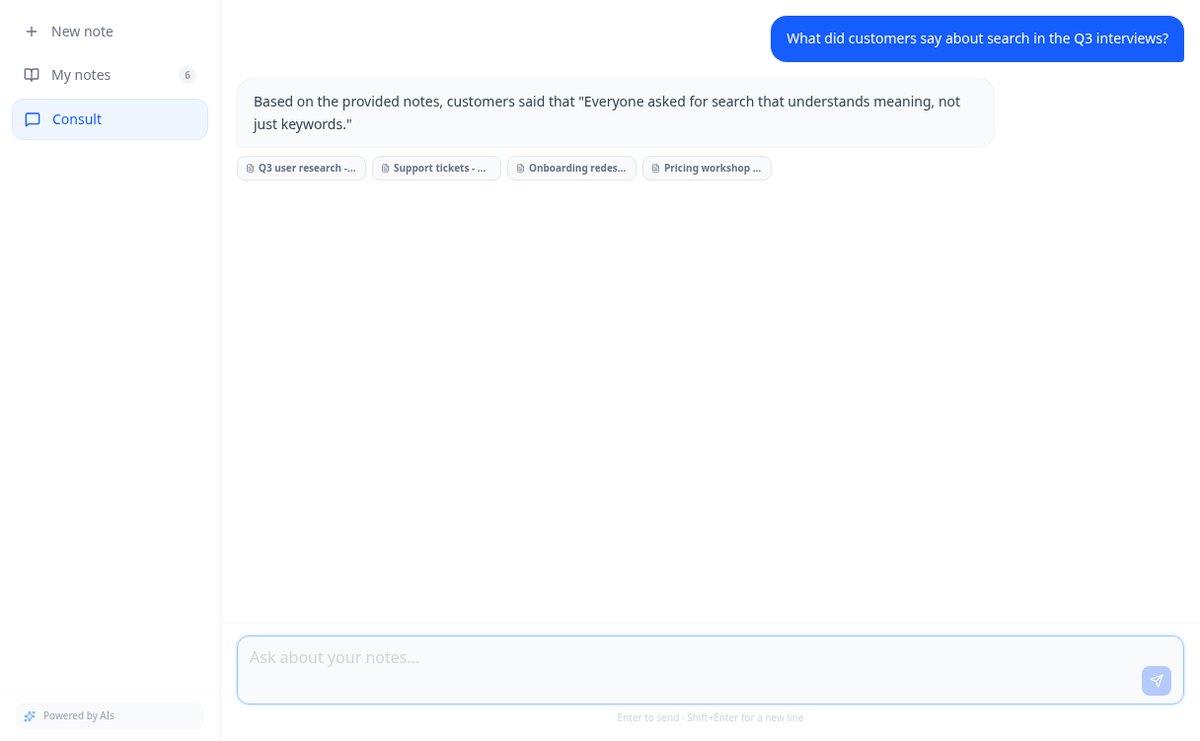
Save notes and attach PDFs and images to the same note. AiNotes reads everything and replies via chat, indicating which note each answer came from.
In the features that use AI, responses are generated by artificial intelligence and are not a substitute for professional advice.
Berapa poster yang sudah Anda buang karena QR-nya mengarah ke tempat yang sudah tidak ada?
QR yang dicetak tidak dapat diubah: jika di dalamnya ada nomor WhatsApp atau alamat menu Anda, saat itu berubah, posternya mati. aiLinks membalik keadaan: kode berisi tautan pendek milik Anda yang tidak pernah berubah, dan tujuannya ada di aplikasi. Anda masuk, menekan «Ubah tujuan», menyimpan, dan pemindaian berikutnya langsung menuju situs baru —tanpa menunggu, karena pengalihan disajikan tanpa disimpan di browser siapa pun—. Anda bahkan dapat mengubah jenis tujuan: QR yang tadinya membuka WhatsApp beralih membuka web Anda tanpa menyentuh satu poster pun. Dan karena semua pemindaian melewati aiLinks, Anda sekaligus tahu berapa jumlahnya, dari negara mana, dan dengan ponsel apa.
Start for free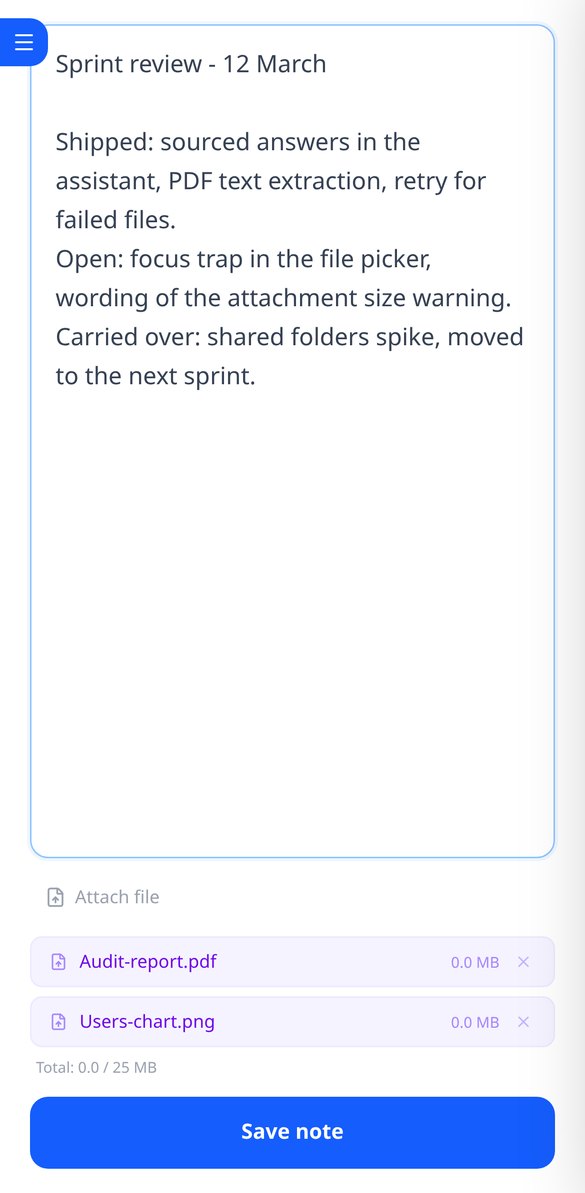
Discover every feature in detail

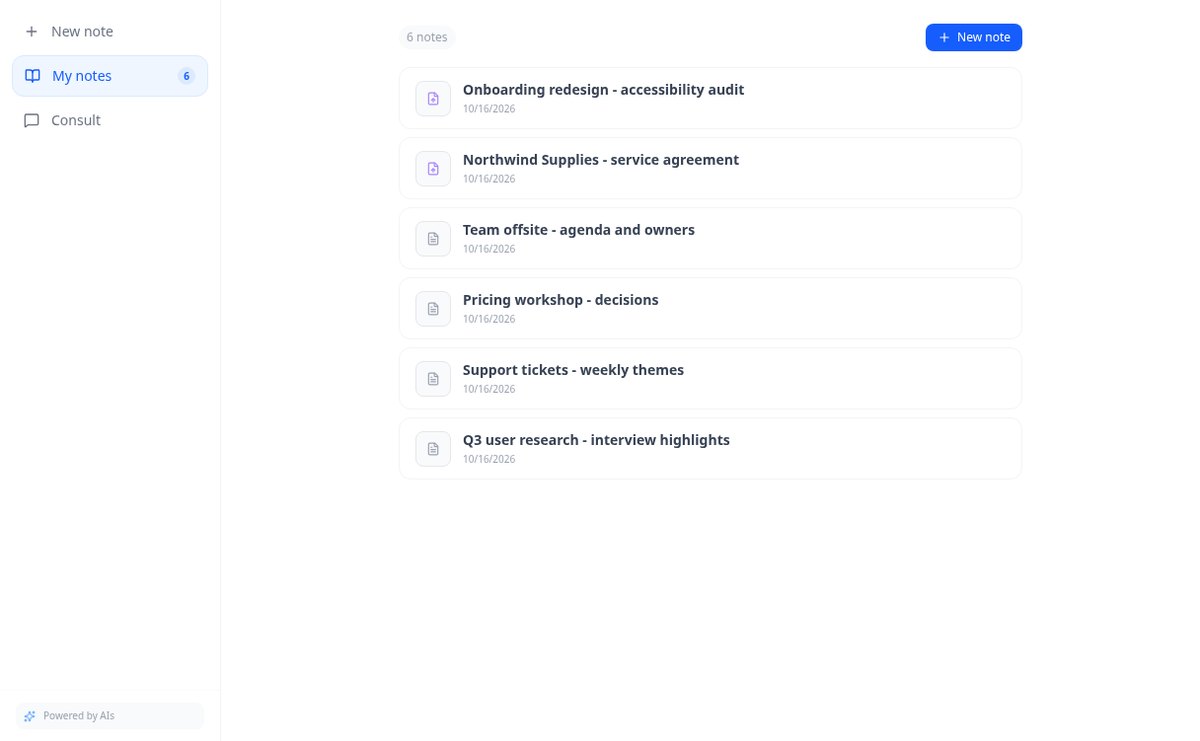
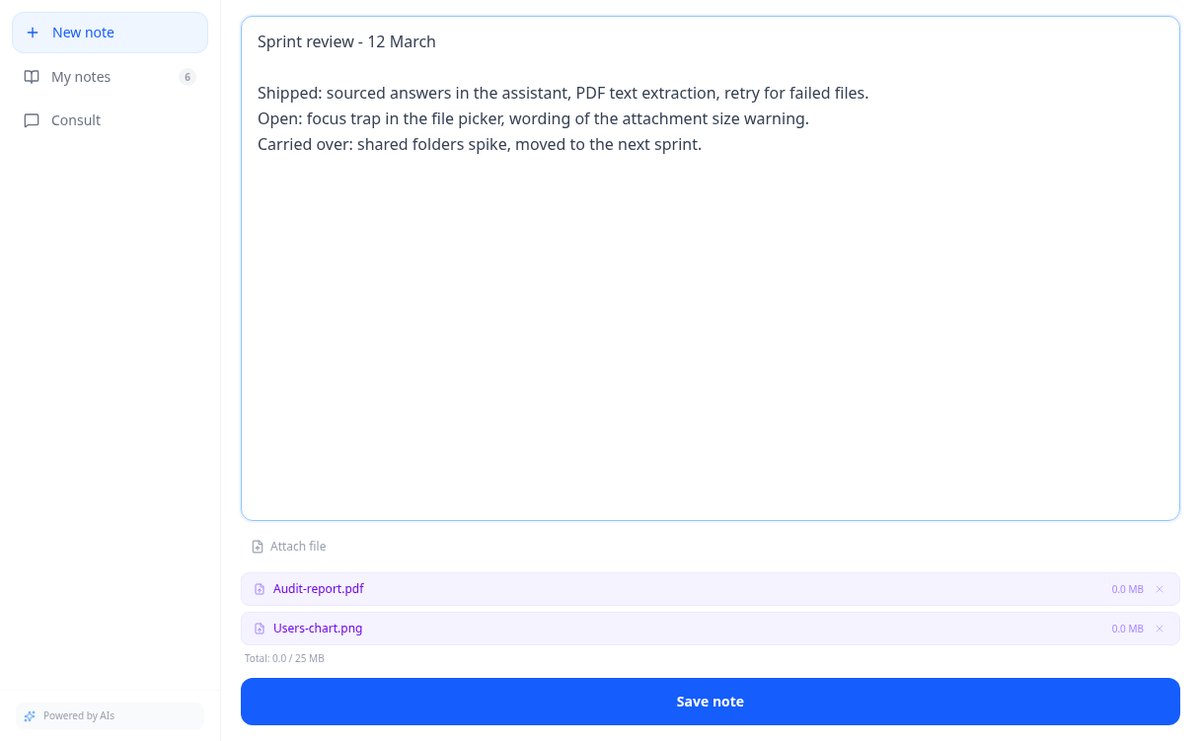
Online notebook for writing and editing free text | AiNotes
Write free text notes without templates and edit them whenever you want: AiNotes saves the content, generates the title automatically, and updates the index when corrected. Free.
View feature
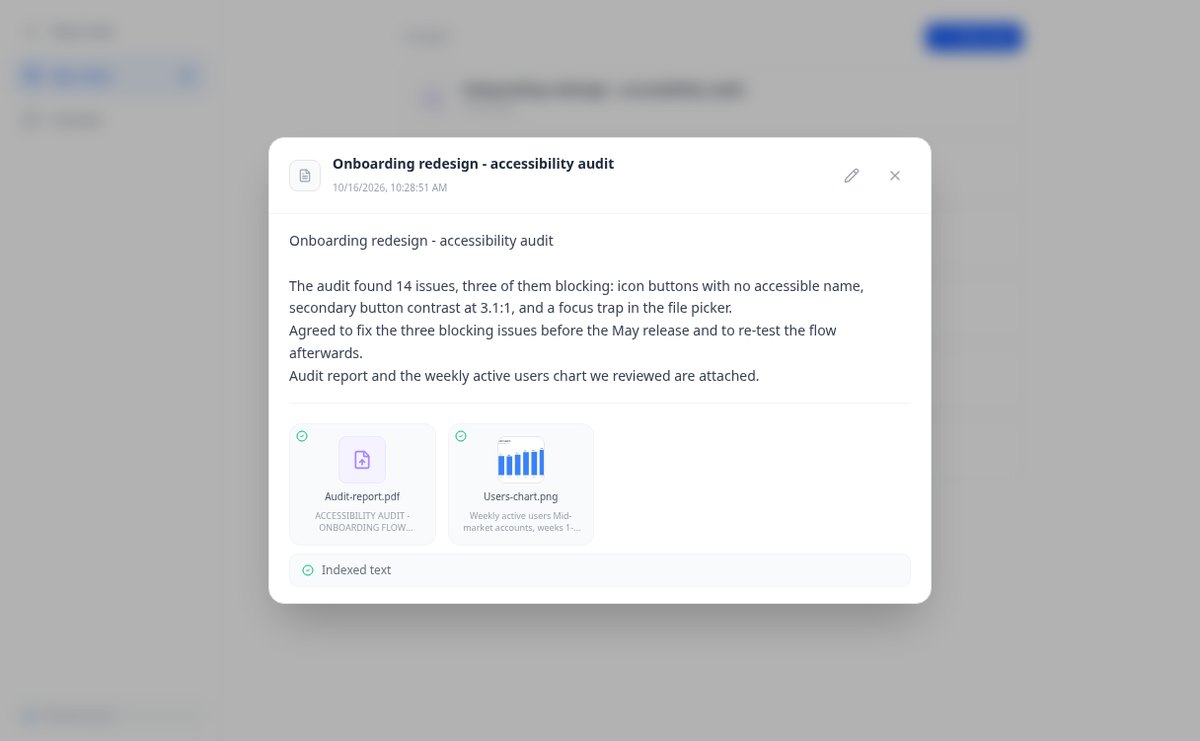
Notes with attached PDFs and images, up to 25 MB per note | AiNotes
Attach multiple PDFs, PNG, JPG, WebP, or GIF to each note —up to 25 MB— by dragging them into the editor, and later query their content via chat. Free at AIsToHire.
View feature
Notes that index themselves with Gemini embeddings | AiNotes
AiNotes breaks down each note and attachment and converts them into vectors with gemini-embedding-001 upon saving, allowing for meaning-based searches and chat inquiries. Free at AIsToHire.
View feature
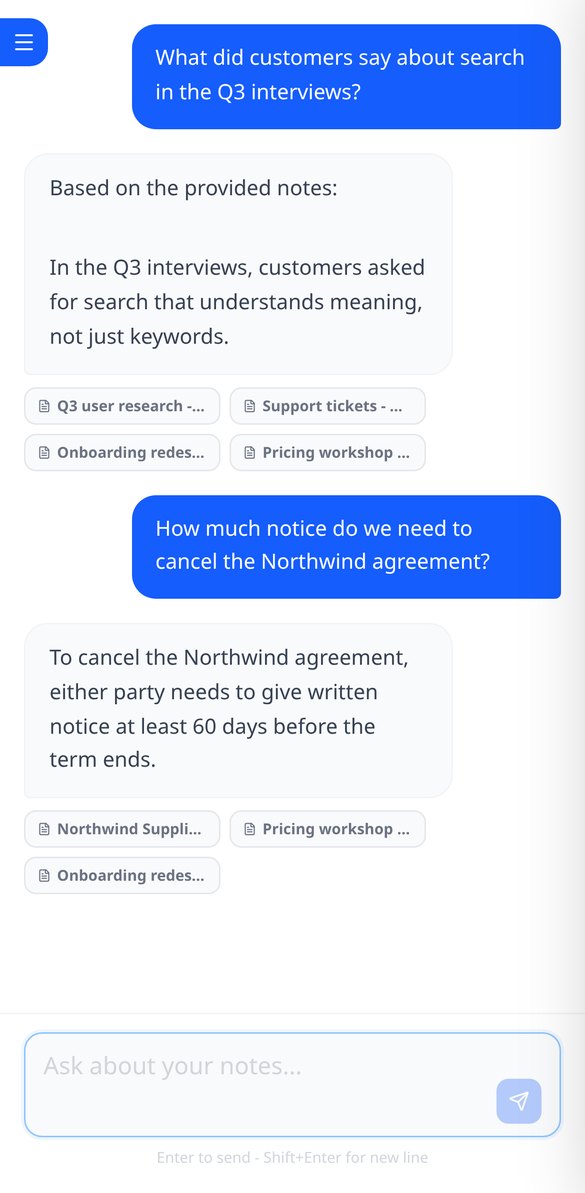
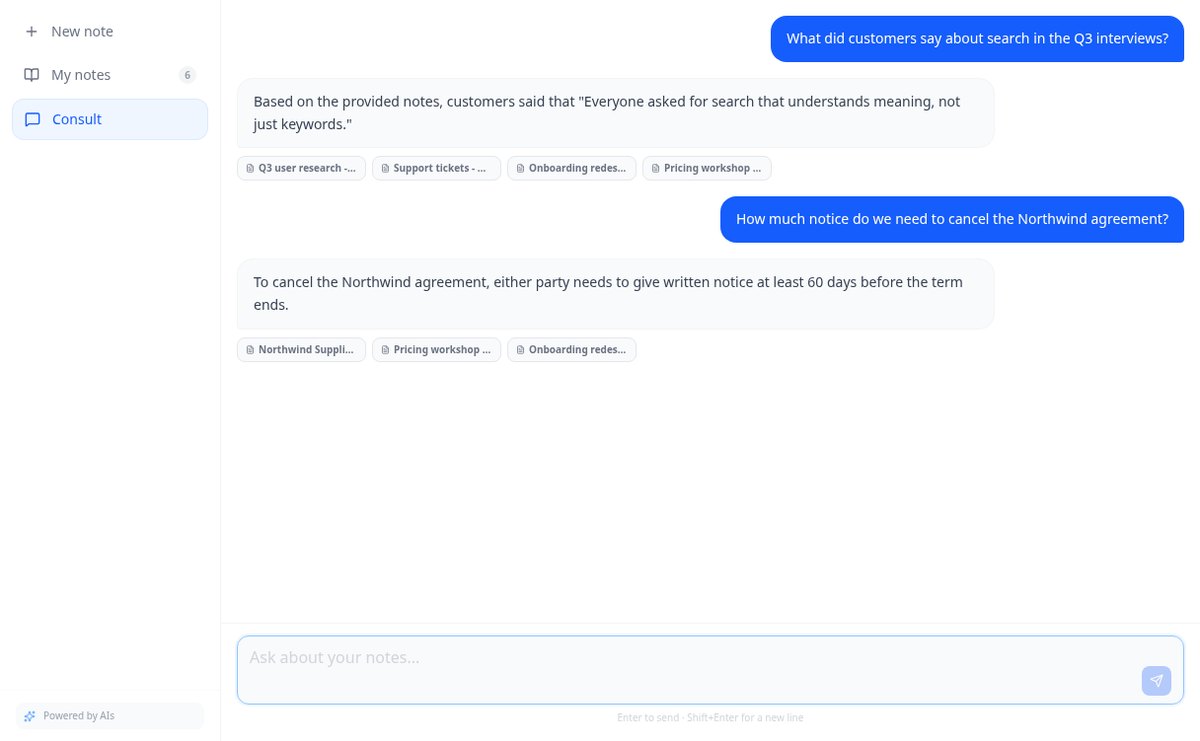
Chat that answers with your notes and cites the source | AiNotes
Ask your notes and PDFs: AiNotes searches for the 5 most relevant snippets, responds only with them, and shows the title of each note used. Free at AIsToHire.
View featureNotes that understand what you save
Tidak satu pun dari ini memakai kredit: membuat tautan, membuat QR, mengalihkan pemindaian, dan melihat statistik adalah perhitungan sendiri. AI hanya muncul pada dua tambahan opsional, dan hanya jika Anda yang menekannya.
Notes and documents in the same note
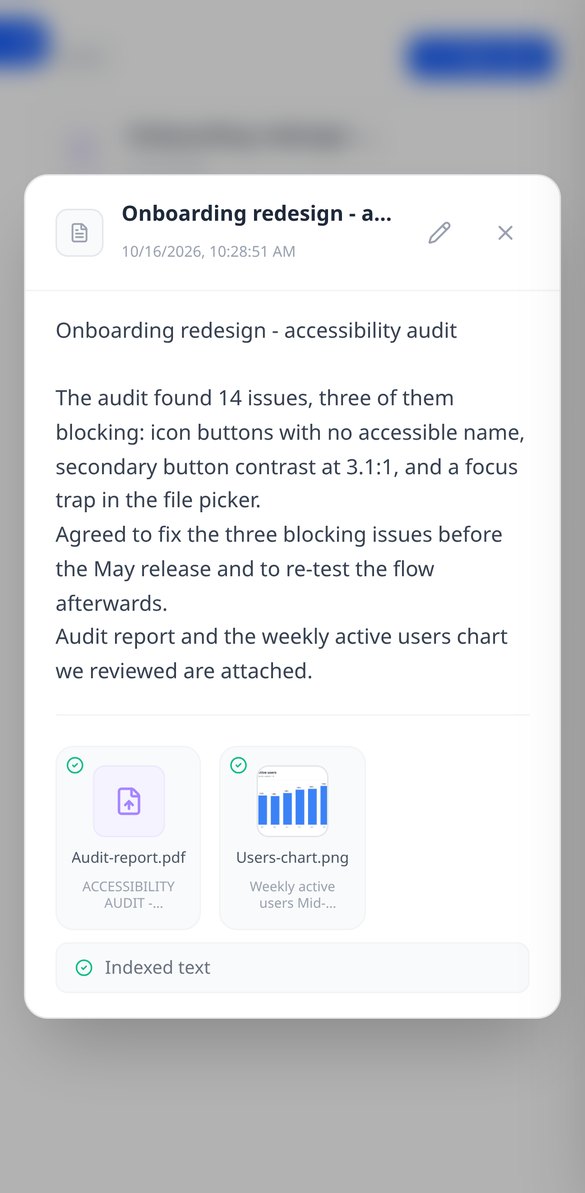
Write the note and attach PDFs or images (PNG, JPG, WebP, and GIF) by dragging them, up to 25 MB per note. Everything stays together, with preview and download.
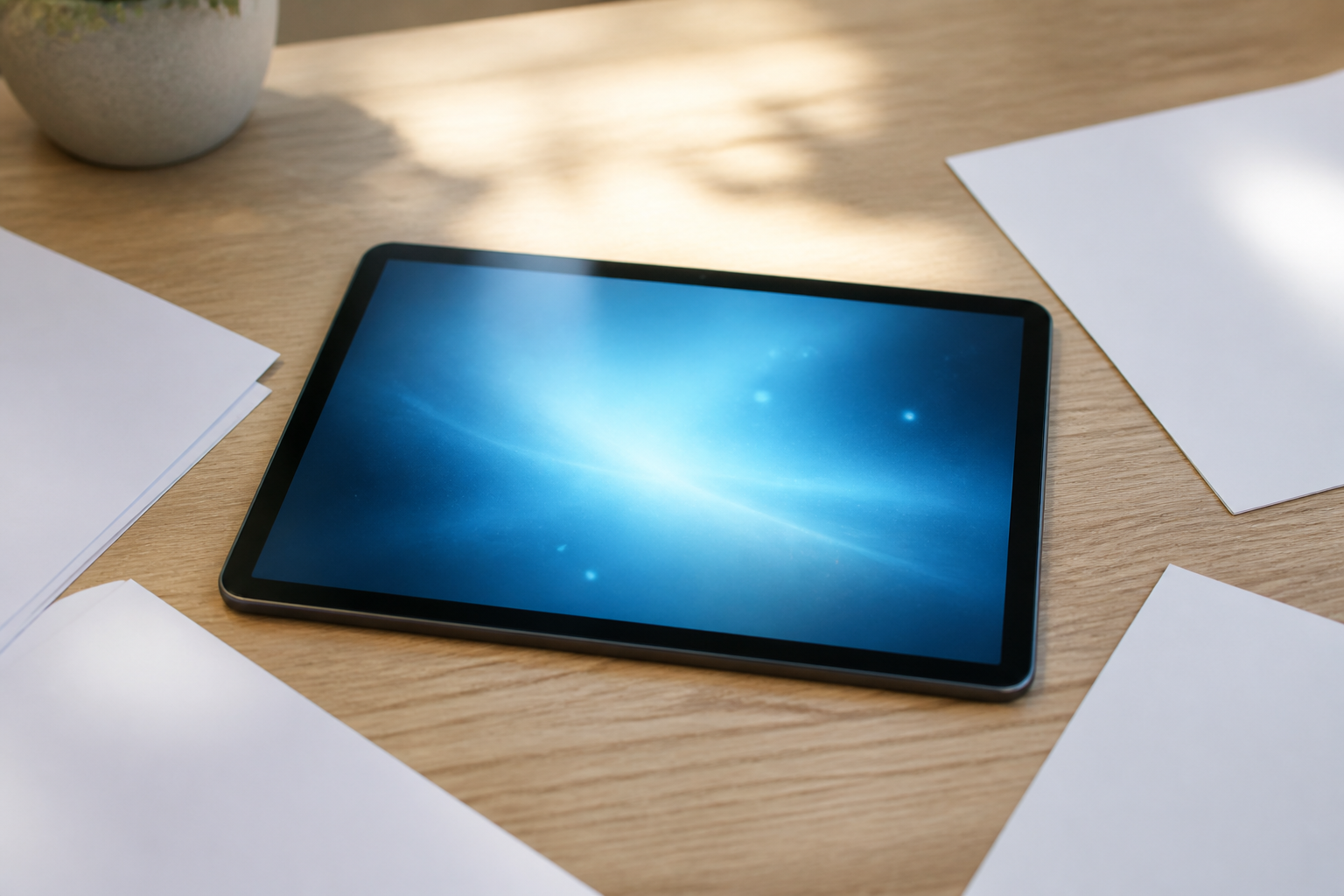
AI reads every note and every file
When you save, AiNotes automatically splits and indexes the content. You see the status of each item (processing, ready, or error) and can retry the one that fails.

Chat that answers by citing your notes
Ask in your own words and the assistant responds using only your content, showing the notes it got the information from. If it's not in your notes, it tells you.
Get started in three steps
Pilih apa yang ingin ditautkan
Web, WhatsApp dengan pesan bawaan, telepon, email, SMS, kartu kontak, jejaring sosial, WiFi, atau PDF yang Anda unggah. Jika mau, tautan memakai kata pilihan Anda sendiri alih-alih kode acak.
Rancang QR dan kirim untuk dicetak
Atur warna, bentuk, logo, dan bingkai sambil melihat hasilnya langsung, lalu unduh dalam SVG untuk percetakan atau PNG untuk media sosial. Tautan pendek disalin dengan satu ketukan untuk dipakai juga di bio, email, atau iklan.
Ubah saat diperlukan
Nomor piket lain, menu baru, promosi berakhir: Anda masuk dari ponsel dan mengubah tujuan. Dan jika perlu, Anda dapat menambahkan tanggal kedaluwarsa, batas pemindaian, kata sandi, atau halaman pemberitahuan sendiri untuk saat promosi berakhir.
Frequently asked questions
Latest blog articles
Guides and news to get more out of it
Is it legal for an AI bot to record and transcribe your meetings? What has changed in 2026
Lawsuits against Otter.ai, the position of the AEPD from January 2026, and a checklist for transcribing meetings with AI without violating the GDPR.
Search for data in your PDFs and notes: why Ctrl+F fails you and what really works
Ctrl+F finds nothing in a scanned PDF because it contains an image, not text. We explain why and how to ask your own notes and PDFs.
Start asking your notes
Buat akun gratis, buat tautannya, dan unduh QR dalam SVG untuk dibawa ke percetakan.